
Available from DartsOn v2.7.0 
Cast to your TV with Chromecast
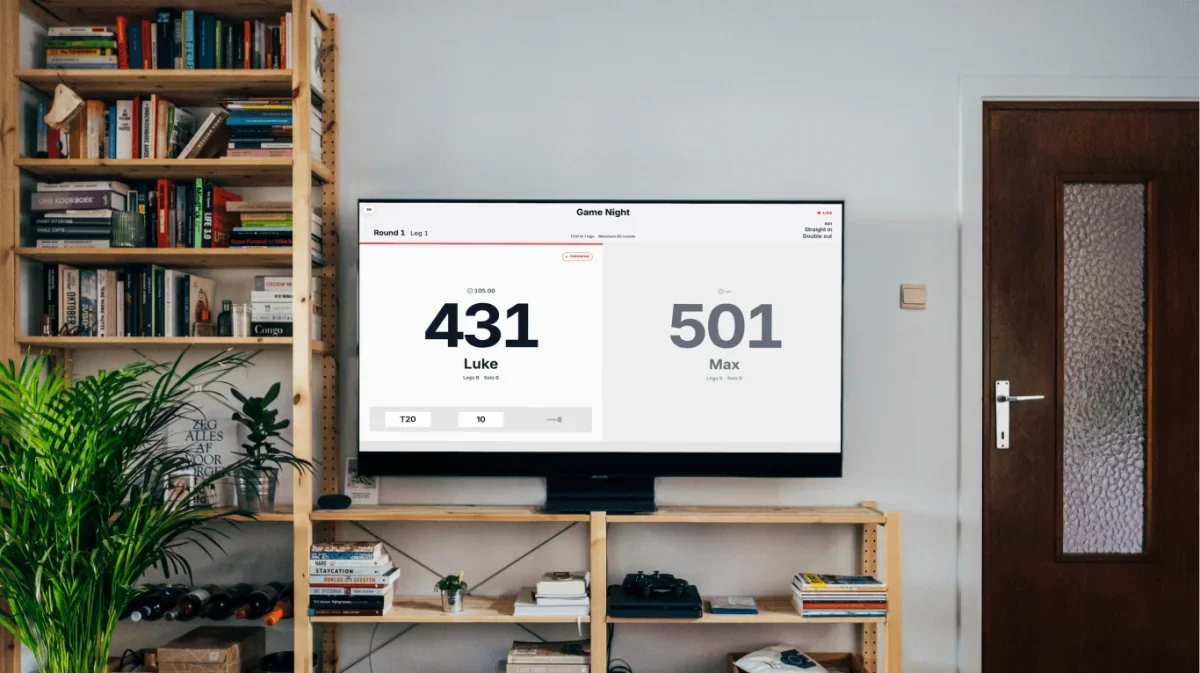
Tap Cast in DartsOn and choose your Chromecast, Google TV Streamer, or TV with Google Cast to show your scoreboard. Keep your phone and TV on the same Wi-Fi network.
External Screen Streaming
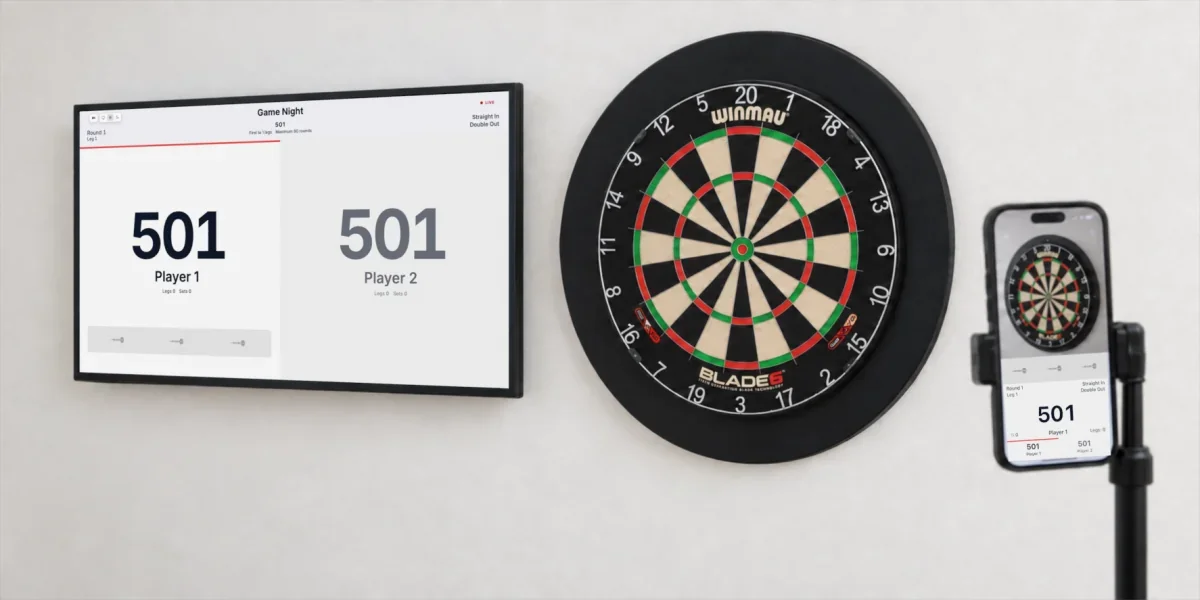
Put your DartsOn scoreboard on a TV, monitor, computer, or tablet. Connect with Google Cast, a Web Link, or a USB-C display cable. Apple AirPlay is coming in DartsOn v3.0.0.


Choose Cast or Web Link in DartsOn, or connect with a USB-C display cable. Apple AirPlay is coming in DartsOn v3.0.0.
Cast to your TV with Chromecast
Tap Cast in DartsOn and choose your Chromecast, Google TV Streamer, or TV with Google Cast to show your scoreboard. Keep your phone and TV on the same Wi-Fi network.
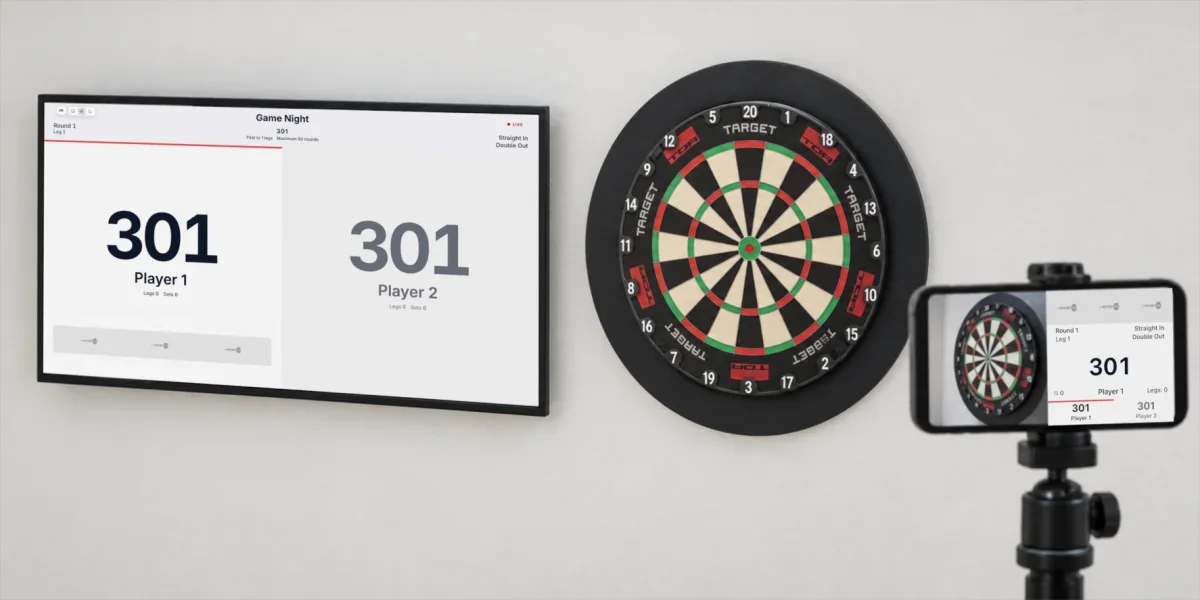
Extend your screen with Apple AirPlay
Once DartsOn v3.0.0 is available, tap AirPlay and choose your Apple TV or AirPlay-enabled smart TV to show your match on the big screen. Keep your iPhone and TV on the same Wi-Fi network.
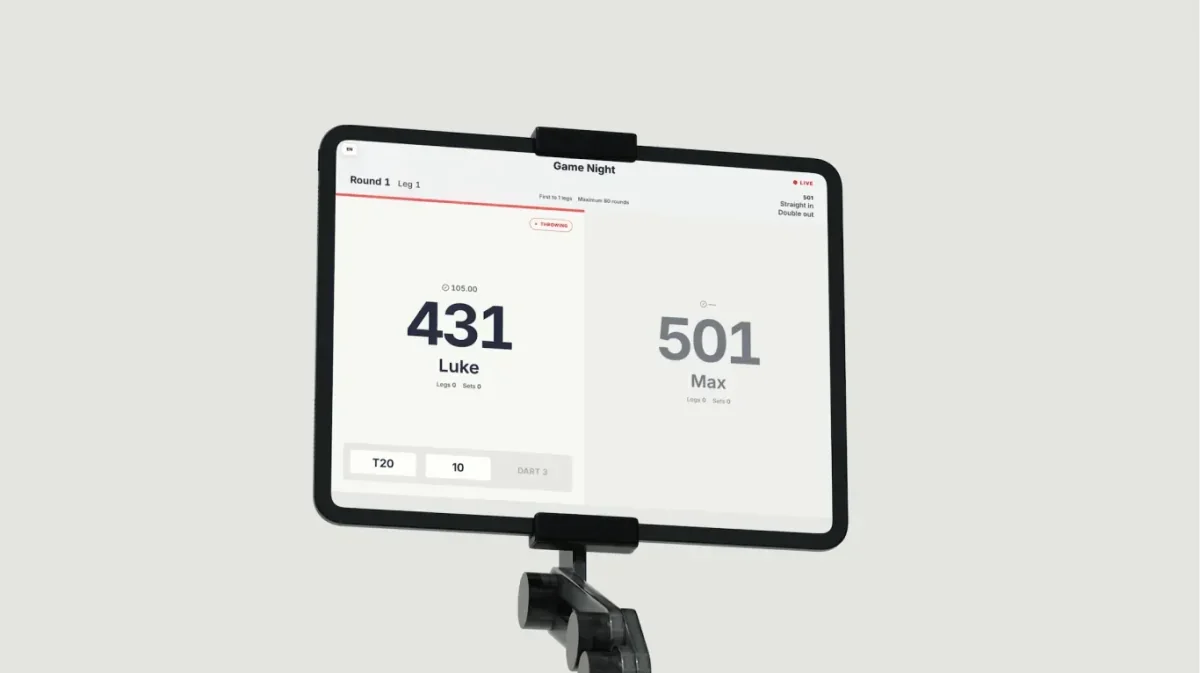
Follow your match in any browser
Tap Web Link in DartsOn and open it in a browser on your tablet, computer, or any other device. Both devices need internet access, but they don't have to be on the same Wi-Fi network.
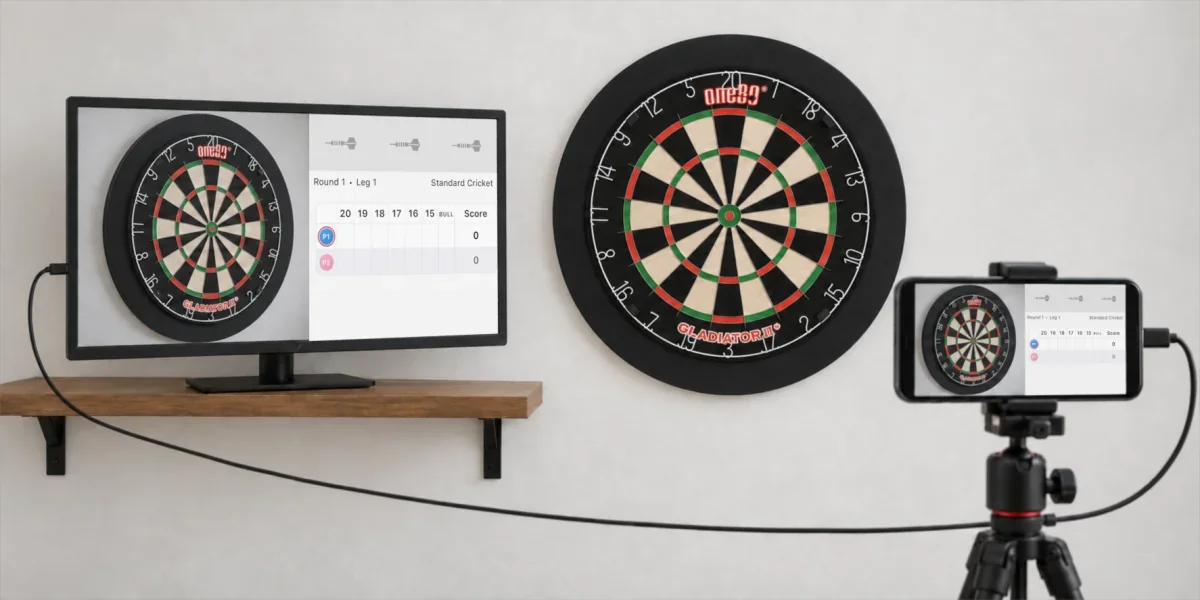
Connect your screen with USB-C
Connect your phone, iPad, or tablet to a TV or monitor with a USB-C display cable or USB-C to HDMI adapter to show your match on the big screen. Your device and cable must support video output.
How it works
Open DartsOn on your phone or tablet, choose your game, and start a match.
Open External Screen Streaming from the match menu. Choose Cast or Web Link, or connect a compatible device with a USB-C display cable.
Score with the camera, voice, or manual entry in DartsOn. Your connected screen updates as you play.
Download DartsOn, start your match, and give every player and spectator a scoreboard they can follow.


