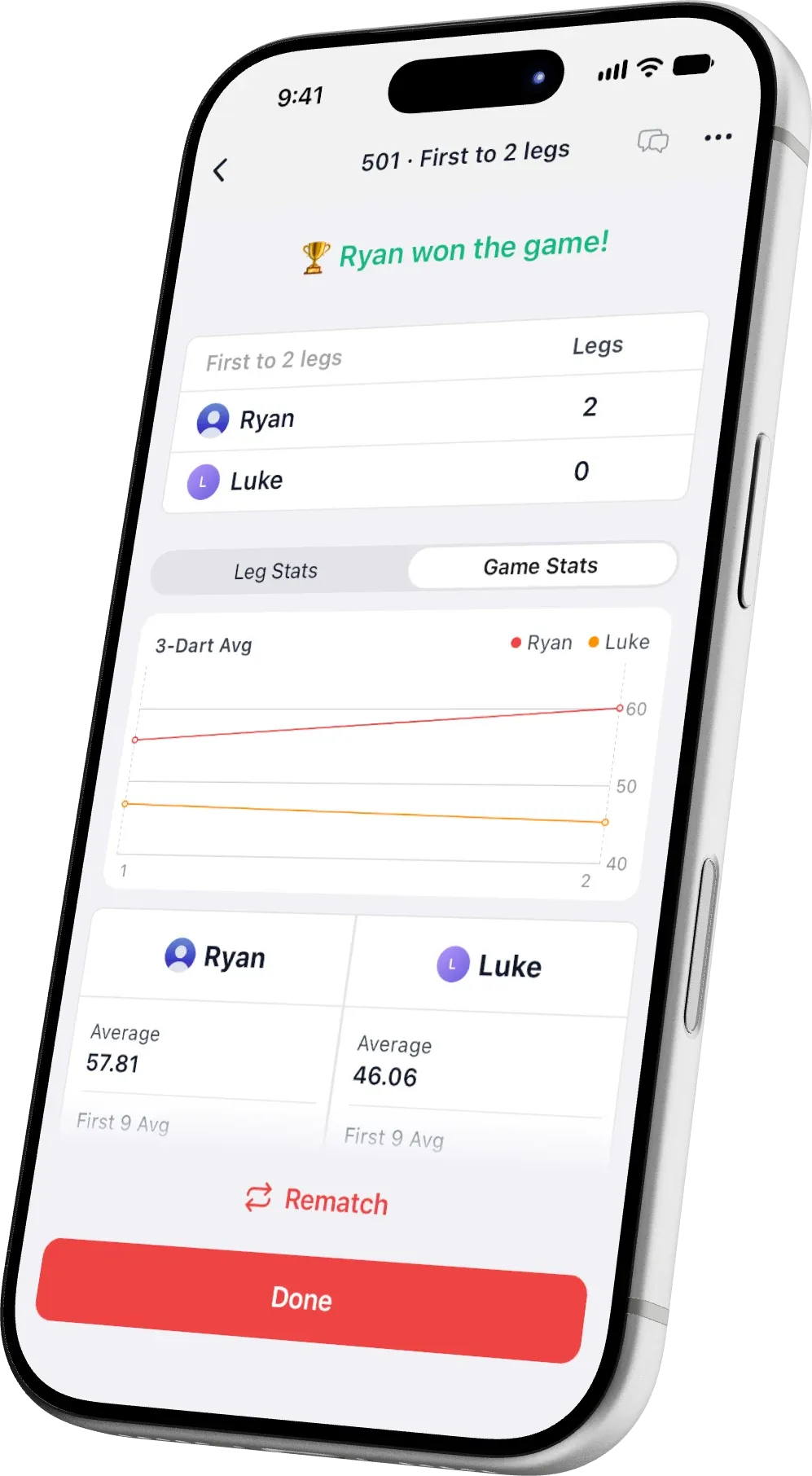
Action Replays
While camera auto-scoring counts your darts, DartsOn records every X01 turn and keeps each player's best one as a video, with the scoreboard updating dart by dart.


How it works
Put your phone on a stand facing the board and start an X01 game with camera auto-scoring.
Find it in Auto-Scoring settings. Replays are off until you switch them on.
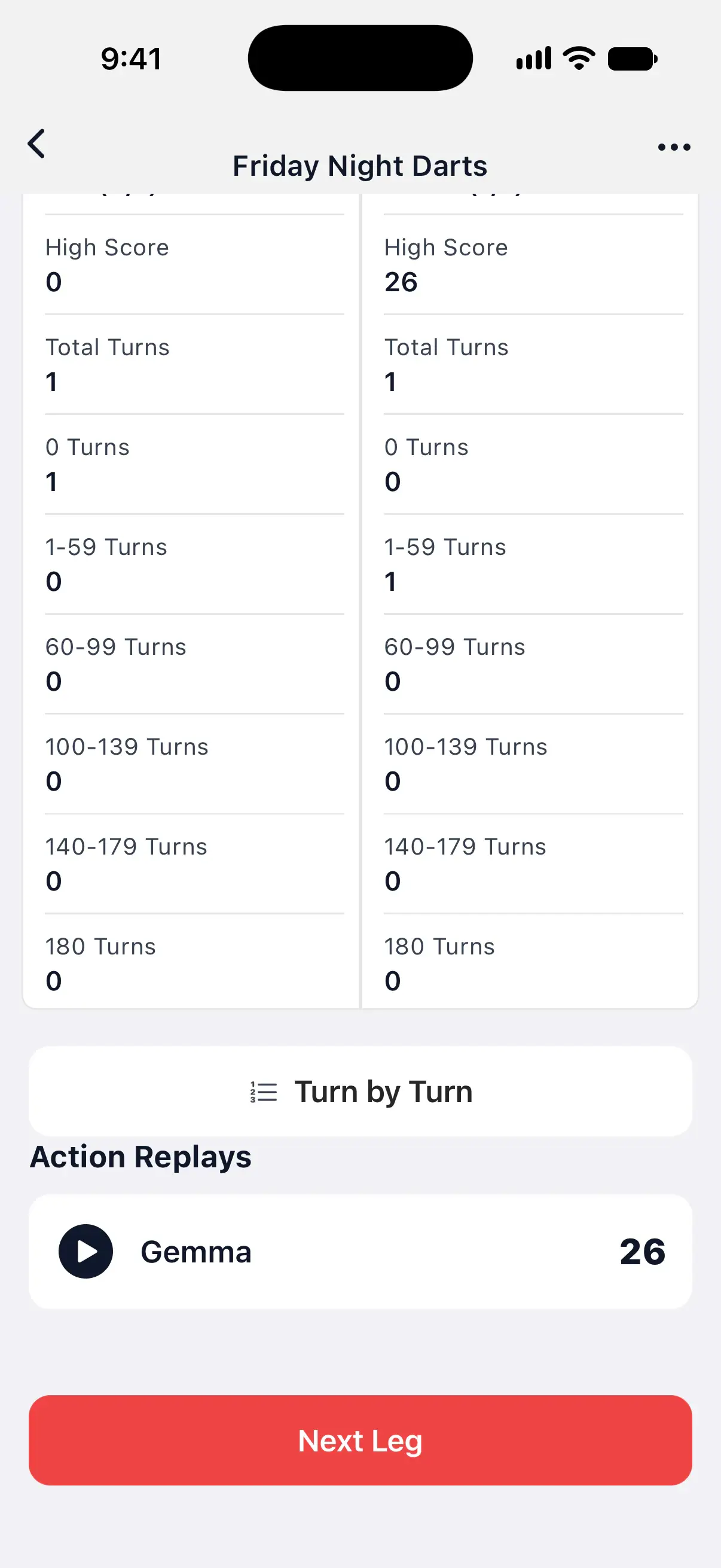
DartsOn records every turn as you play. When the leg ends, each player's best turn is waiting in the summary.
Saved for you
After every match, the highest-scoring turn of each player stays on your phone. A checkout counts once you confirm it.
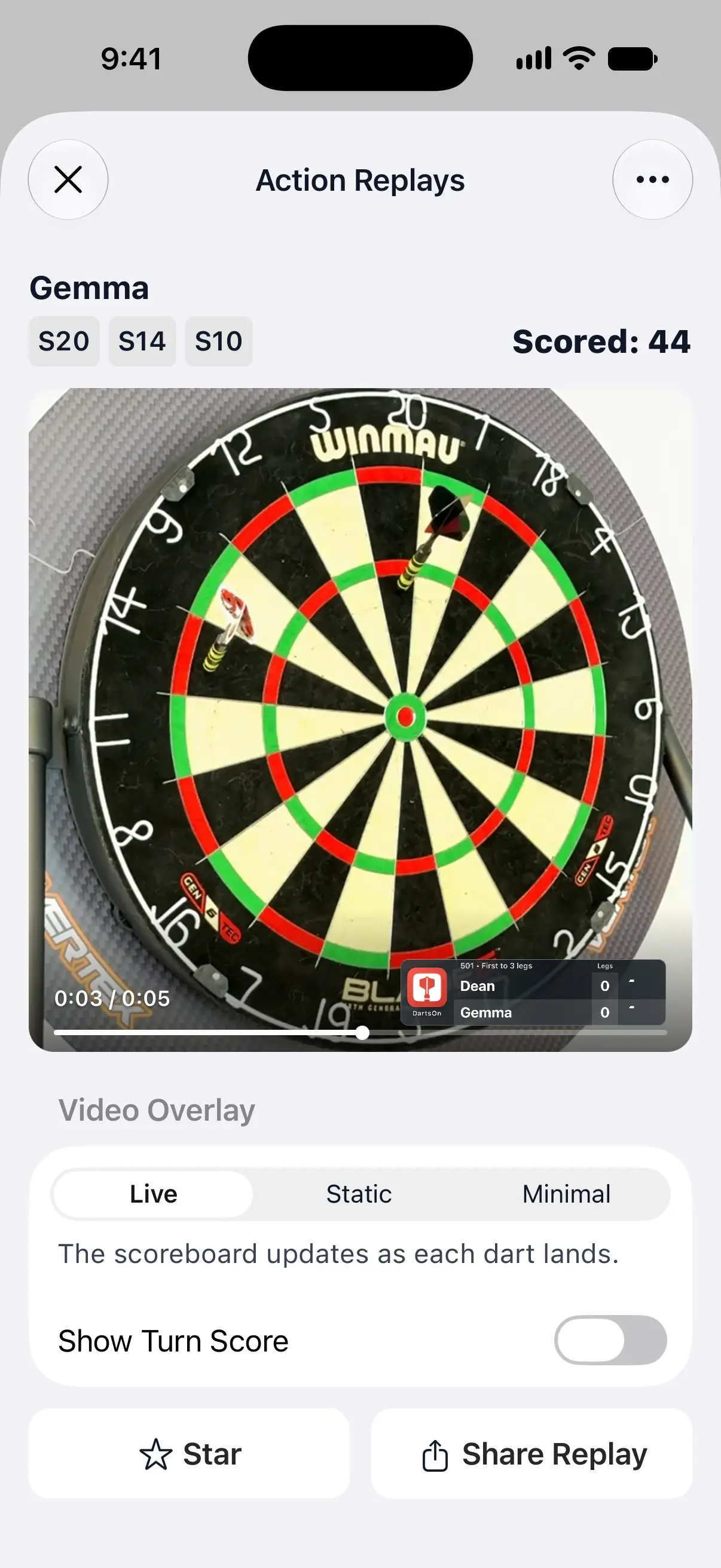
On the replay
Each replay shows the match score in the corner and updates it as every dart lands. The darts of the turn and its total sit above the video, and you can drag back to watch a dart again.
Share and keep
Send a square video with the scoreboard and the DartsOn logo in the corner, ready for a chat or a post.
Live updates the scoreboard dart by dart, Static keeps the scores from the start of the turn, and Minimal shows only a small DartsOn watermark.
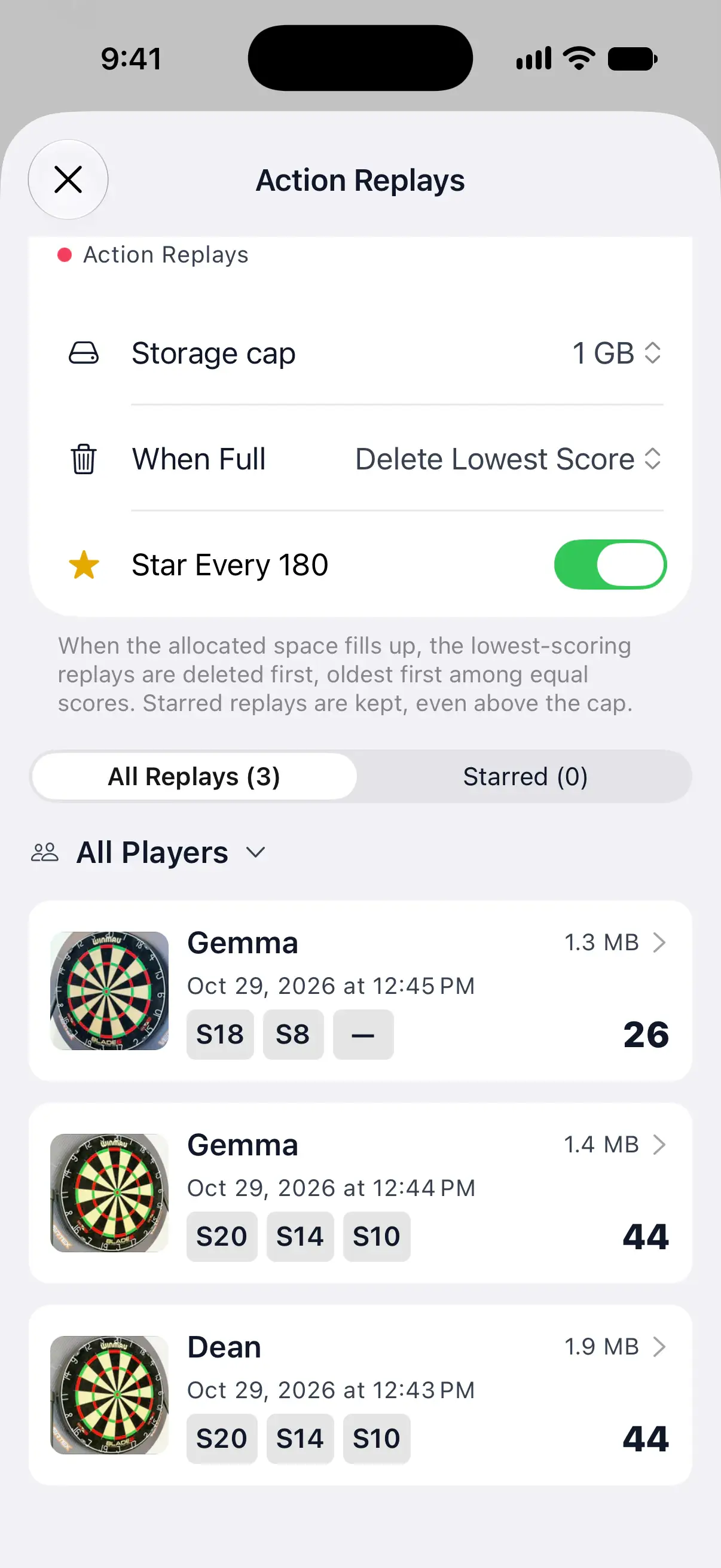
Starred replays stay when the storage fills up, and DartsOn stars every 180 for you.
Replays use up to 1 GB unless you change it. When that fills up, DartsOn deletes the oldest replays or the lowest scores first, whichever you choose.
Replays aren't uploaded or synced. Only the videos you share leave your phone.
Replays have no sound, so DartsOn never needs your microphone to record them.
Replay library
Settings → Action Replays lists the saved replays of all your matches. Filter them by player, or show only the starred ones.
Open Auto-Scoring settings in DartsOn and switch on Record Action Replays. From then on, DartsOn records every X01 turn you score with the camera.
X01 games scored with the camera, such as 501 and 301. Other game modes don't record video, and neither do turns entered on the keyboard or dartboard.
The best turn of each player in every match, and a checkout counts once you confirm it. To keep another turn, such as a checkout that scored less, tap the save button on the camera view right after it.
No. Replays are silent, and DartsOn doesn't ask for microphone access to record them.
Up to 1 GB by default. You can set the cap from 0.1 to 100 GB in Settings → Action Replays. When it's full, DartsOn deletes the oldest or the lowest-scoring replays first, and always keeps the starred ones.
No. Replays stay on the phone that recorded them and aren't synced to your account. Only the videos you share leave your phone.
Open the replay and tap Share Replay. DartsOn makes a square video with the scoreboard and the DartsOn logo in the corner, ready for messages or social media.
Download DartsOn and start playing darts with your friends today, all from your phone. Organize X01, Cricket, and more.
 Google Play