
Get started with DartsOn Online
What you need to play darts online in DartsOn, how to set up the Online tab, what each part of it does, and how to hide it if you only play locally.
DartsOn Online lets you play a darts match against someone on another phone. You each throw at your own board, and both phones show every dart as it’s scored. You set it up once, on the Online tab.
What you need
- A DartsOn account. On iPhone and iPad you can sign in with Apple, Google or email. On Android, sign in with Google or email. See create an account.
- To be 13 or older. DartsOn asks for your date of birth.
- To agree to the DartsOn Online Code of Conduct, along with the Terms of Service and the Privacy Policy.
- An internet connection and a dartboard. Your opponent needs the same: DartsOn, their own account and their own board. Players on iPhone, iPad and Android all play each other.
Online Play is free. Without Premium you can host a limited number of matches each week, and joining a match never counts. Private matches explains the limit.
Set up the Online tab
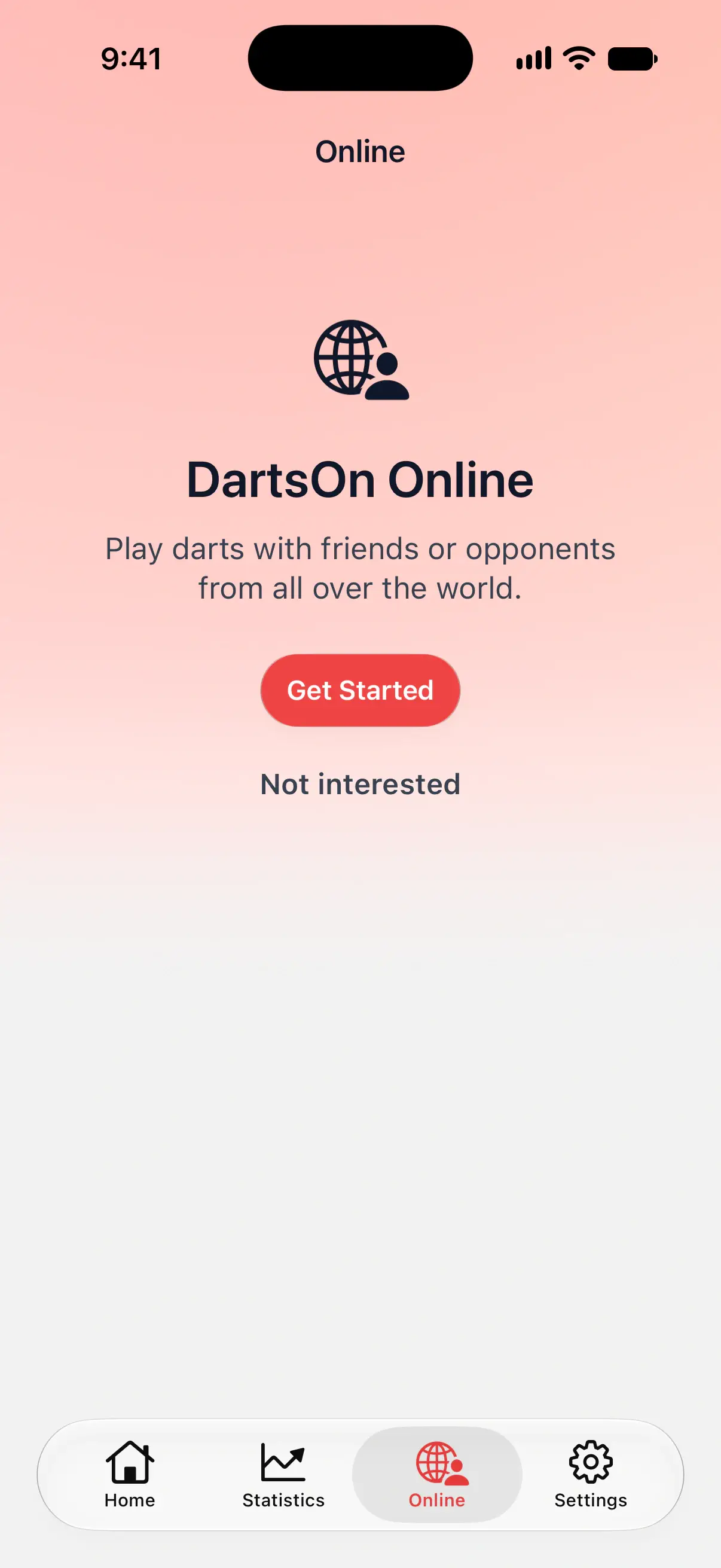
- Tap the Online tab.
- Tap Get Started.
- If you’re signed out, sign in with Continue with Apple, Continue with Google or Continue with Email. On Android, the choices are Google and email.
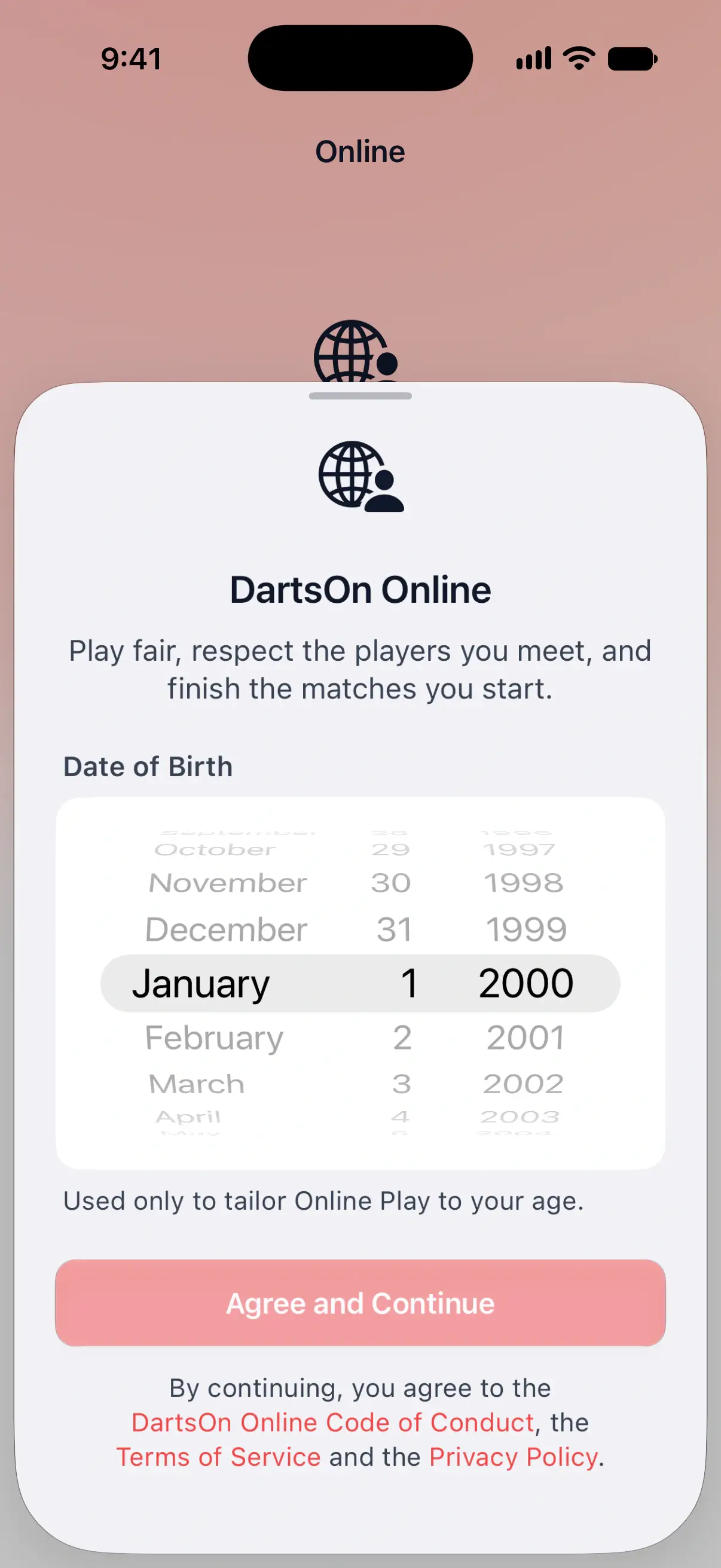
- Set your Date of Birth.
- Tap Agree and Continue.
The Online tab then opens on the Friends lobby. You only do this once per account. On your other phones and tablets, DartsOn knows you’ve already agreed.

Your date of birth
DartsOn asks for your date of birth to apply the age rules. You need to be 13 to play online at all, and 16 for the Global Lobby. The date is used for nothing else, and no other player sees it.
Agree and Continue stays greyed out until you’ve picked a date. On iPhone and iPad, turn the wheel to your birthday. On Android, pick the date in the calendar and confirm it.
If you’re under 13, DartsOn shows You need to be at least 13 to play online. You can still play every local game on the Home tab.
To change the date later, open Settings, tap your name, then tap the pencil button. Change Date of Birth in Edit Profile and tap the checkmark to save.
A tour of the Online tab
From the top of the screen down:
| Part | What it does |
|---|---|
| Clock button | Opens Match History, every online match you’ve played. See online stats and profiles. |
| Chart button | Opens Online Statistics, your stats from online matches only. |
| Bell | Notifications, where friend requests wait for you. The number shows how many. |
| Add Friend button | Adds a friend by username or QR code. It appears once you have your first friend. See add friends. |
| Friends and Global | Switches between your friends and the Global Lobby of players worldwide. |
| Your status | Your photo and name with Online, Do Not Disturb or Invisible. Tap it to change how friends see you, or to View Profile. |
| Challenges | A friend’s challenge shows at the top, such as “Josh challenged you to 501”, with a decline button and Join. It stands for 2 minutes. See challenges. |
| Your room | A lobby or match you’re still in, with Open or Rejoin. |
| Turn On Notifications | Shows while DartsOn can’t send you notifications. Tap Continue to get notified about friend requests and challenges. See challenges. |
| Friends’ match and lobby cards | Show live scores with Watch, or open lobbies with Join, above the friends list. See watch matches. |
| Friends list | One list ordered by activity. Available friends have Challenge. Offline friends can receive a notification if they allow challenges while away. A friend can also show when they were last online. |
| The match above Create Match | The preset your next match plays, such as 501 Best of 5 legs. Tap it to pick another. See match presets. |
| Create Match and Join | Start a lobby, or join one with its match code. See private matches. |
Until you add a friend, the Friends lobby shows Add Friends in place of the friends list. You can still create a match and share its code with anyone.
Where shown, the count under the Online title is the number of players online worldwide. Tap it to read what it counts. It isn’t limited to your friends or people waiting in the Global Lobby.
Do Not Disturb stops challenges from reaching you. Invisible makes you appear offline and stops challenges too.
Hide the Online tab
If you only play at home with the people in the room, you can remove the tab:
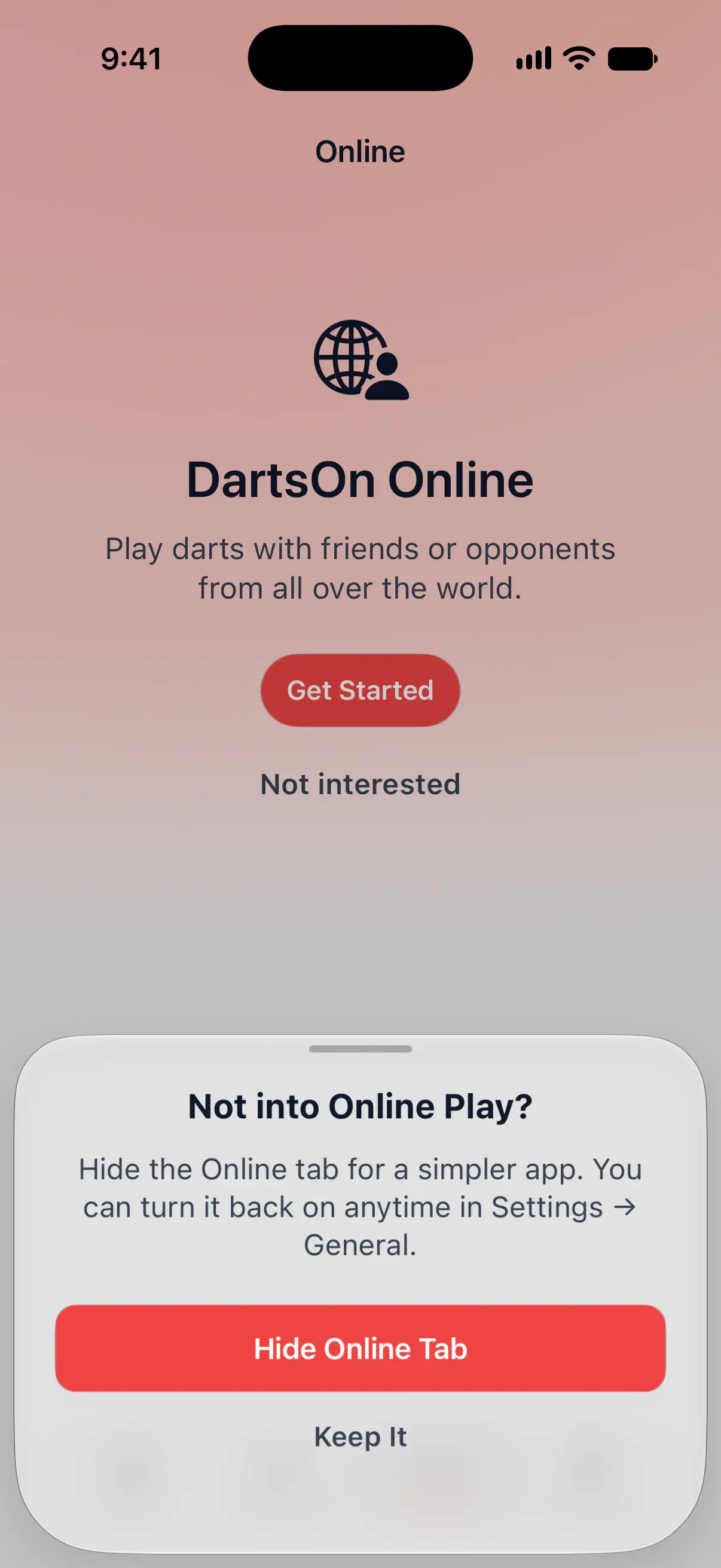
- On the Online tab, tap Not interested under Get Started.
- Tap Hide Online Tab. Tap Keep It if you change your mind.
DartsOn returns to Home. You can also hide the tab at any time from Settings → General by turning off Enable Online Play. With it off, nobody can find you by your username.
To bring the tab back, turn Enable Online Play on again in Settings → General.
Questions and answers
Is DartsOn Online free?
Yes. Playing online is free with a DartsOn account. Without Premium you can host a limited number of online matches each week, and joining someone else's match never counts. DartsOn Premium removes the limit.
How old do I need to be to play darts online in DartsOn?
You need to be at least 13 to play online. The Global Lobby, where you meet players you don't know, is for players 16 and over.
Can I play online against someone with an Android phone if I have an iPhone?
Yes. DartsOn Online works between iPhone, iPad and Android. Each of you needs DartsOn, a DartsOn account and your own dartboard.
Do other players see my date of birth?
No. DartsOn uses it only to apply the age rules for Online Play. Other players never see it.
How do I get the Online tab back after hiding it?
Open Settings, tap General and turn on Enable Online Play. The Online tab comes back at once.
Related
- Play a private online darts match with a friend Create a DartsOn match, challenge a friend or share its code or link, set the rules in the lobby and start. Also covers join errors and the weekly limit.
- Find an opponent in the DartsOn Global Lobby Play darts online against players you don't know yet. Join a public lobby, create a Global match or watch public matches. For players 16 and over.
- How to add friends in DartsOn Find friends by username or QR code, answer friend requests, see who's online or in a match, and remove a friend in DartsOn.
- Play darts online | DartsOn Online Play darts online with live scores, camera auto-scoring, live video and audio. Challenge anyone to 501, Cricket, Killer and more on your own dartboards.