
How to create a DartsOn account and sign in
Create a free DartsOn account with Apple, Google or email to sync your games, add friends and play online. The app works fully without one.
DartsOn works without an account. Games, players and stats are saved on your phone. Sign in when you want more than one phone to share them, or to play people online.
What an account adds
| Without an account | With an account | |
|---|---|---|
| Local games, bots, stats and camera auto-scoring | Yes | Yes |
| Games and stats on iPhone, iPad and Android at once | No | Yes, they sync automatically |
| Friends, challenges and shared games | No | Yes |
| DartsOn Online | No | Yes, from age 13 |
| DartsOn Premium on your other devices | With Restore Purchase, on the same Apple ID or Google account | Yes, on every device signed in to your account, iPhone or Android |
Without an account, your games stay on the phone they were played on. On iPhone and iPad, DartsOn backs them up to iCloud while you’re signed out, and on Android you can export a backup file. See backups.
Where to sign in
- Settings: tap DartsOn Account at the top. It opens Sign in to DartsOn.
- The Online tab: tap Get Started. Signing in is the first step to playing online.
- First launch: the Welcome screen shows one sign-in button, Continue with Apple on iPhone and iPad or Continue with Google on Android, with More login options for the others. Skip for Now starts DartsOn without an account.
- A friend’s link: when you open a DartsOn link from a friend while signed out, DartsOn asks you to sign in first.
Apple and Google create your account the first time you sign in with them. With email, a new address gets a Create Account step.
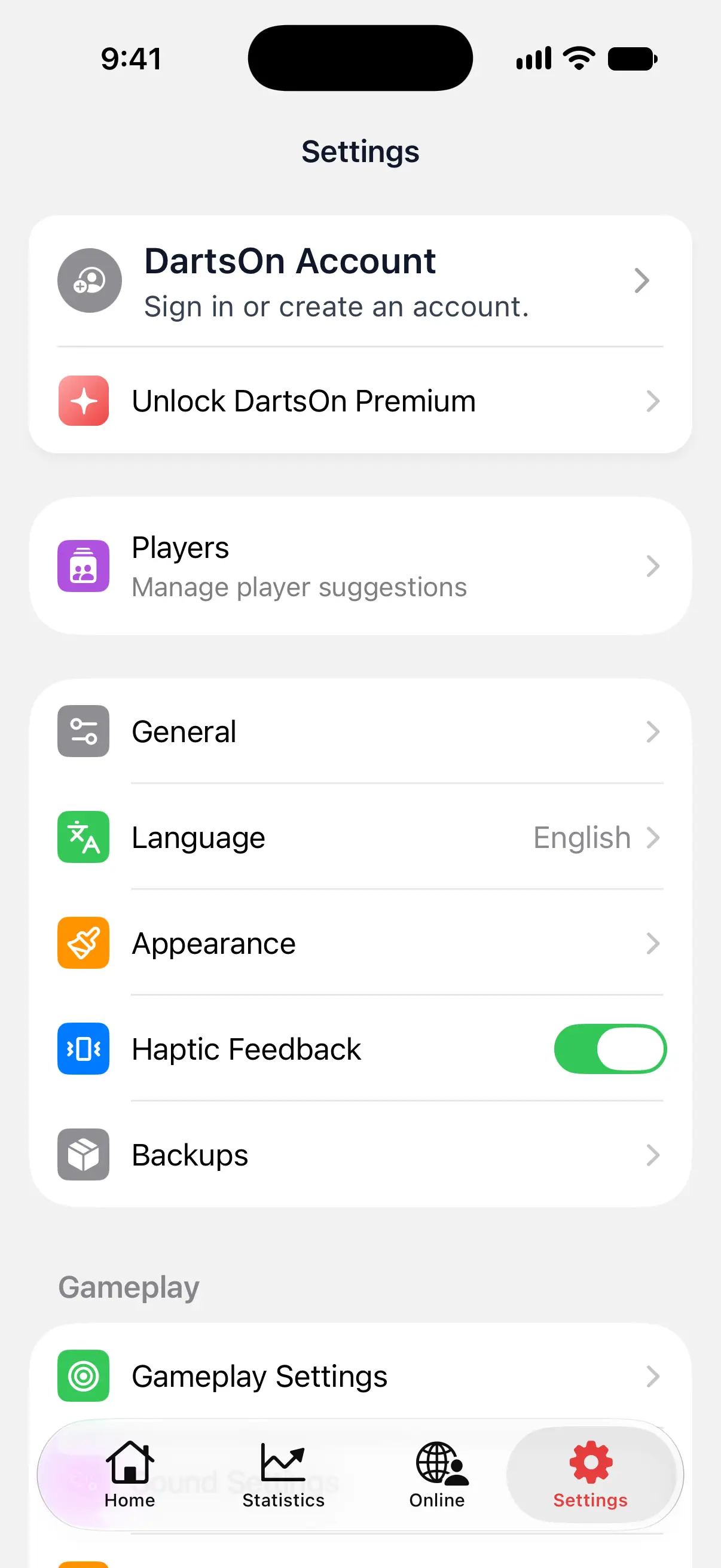

Sign in with Apple or Google
- Tap Continue with Apple or Continue with Google.
- Confirm with your Apple Account or choose your Google account.
Continue with Apple is available on iPhone and iPad. Google works on every device.
Your account starts with your first name from Apple or Google, and a username made from it. You can change both later. See edit your profile.
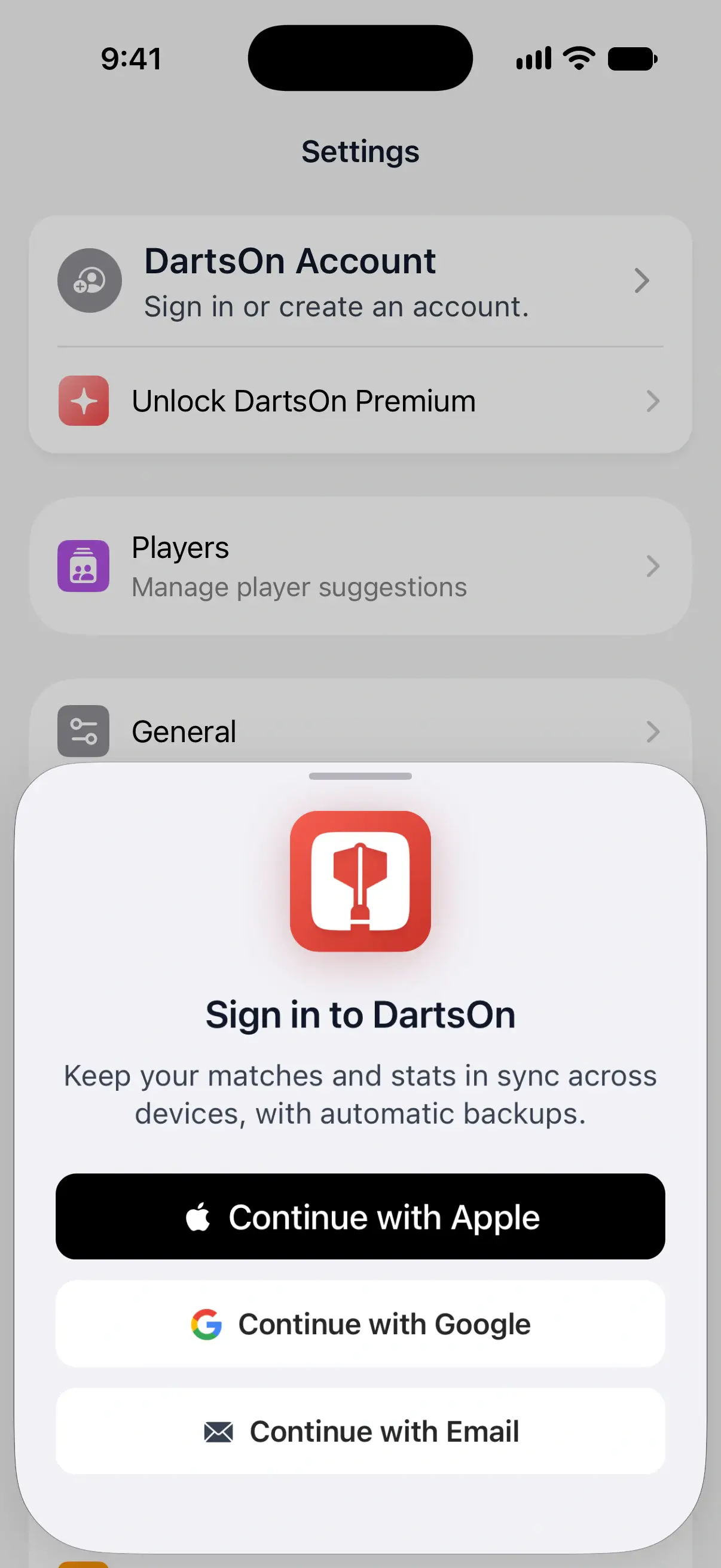
Sign in with email
- Tap Continue with Email, type your email address and tap the arrow.
- DartsOn checks the address:
- You already have an account: type your password and tap Sign In.
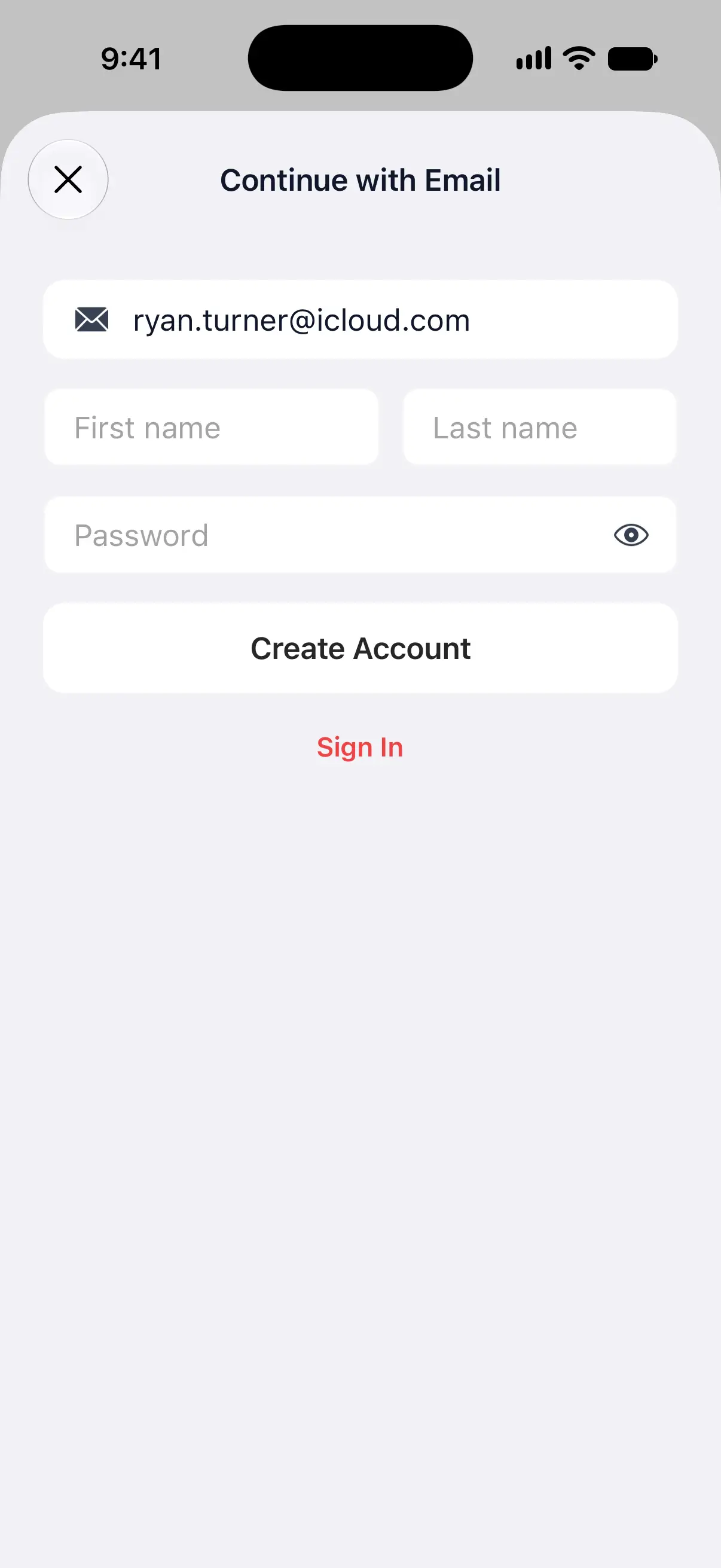
- The address is new: enter your First name, an optional Last name and a Password, then tap Create Account.
- A new account needs its email verified before you can sign in. See below.
A password needs at least 6 characters. If the address belongs to an account that signs in with Apple or Google, DartsOn says Use your existing sign-in method. Continue with that one instead.
Verify your email
After Create Account, DartsOn sends a link to your address and shows Verify your email.
- Open the email and tap the link.
- Come back to DartsOn. It checks on its own when you return, or tap I have verified my email.
No email? Check your spam folder, then tap Resend verification email. Typed the address wrong? Tap Use another email.
Reset your password
- Tap Continue with Email, type your address and tap the arrow next to it.
- On the password step, tap Forgot password?.
- Open the email from DartsOn and set a new password, then sign in with it.
After you sign in
If your phone already has games, DartsOn may ask how to combine them with your account. See sign in with games already on your phone.
Your profile is in Settings, where the DartsOn Account row now shows your name. Tap it to open Profile, with your friends, your QR code and the sync status. From there you can add friends or add another way to sign in.
Questions and answers
Do I need an account to use DartsOn?
No. Scoring games, bots, stats and camera auto-scoring all work without an account, and everything is saved on your phone. You need an account for sync between devices, friends and Online Play.
Can I sign in with Apple on Android?
No. Sign in with Apple is available on iPhone and iPad. If your account uses Apple, first link Google or an email to it in Edit Profile on an iPhone or iPad, then use that to sign in on Android.
I didn't get the verification email. What now?
Check your spam folder first. Then tap Resend verification email on the Verify your email screen, or Use another email if the address was mistyped.
Is a DartsOn account free?
Yes. An account costs nothing. DartsOn Premium is a separate purchase. Bought while you're signed in, it's on every phone and tablet where you sign in to the account, iPhone or Android, with no need to restore it.
Related
- How to sign in to DartsOn with games already on your phone When you sign in with games on your phone, DartsOn asks how to combine them with your account. Learn what each choice keeps and what it replaces.
- How to add or remove a sign-in method in DartsOn Link Apple, Google or an email and password to your DartsOn account in Edit Profile, so you can sign in on any device, or unlink one you no longer use.
- Sync your darts matches across devices Signed in, DartsOn syncs your matches, players, bots and badges between iPhone, iPad and Android. Check the sync status and fix sync problems.
- Get started with DartsOn Online What you need to play darts online in DartsOn, how to set up the Online tab, what each part of it does, and how to hide it if you only play locally.