
Send feedback and join the DartsOn community
Send the DartsOn team feedback with screenshots, read What's New after an update, ask for features and join the DartsOn Discord and Reddit communities.
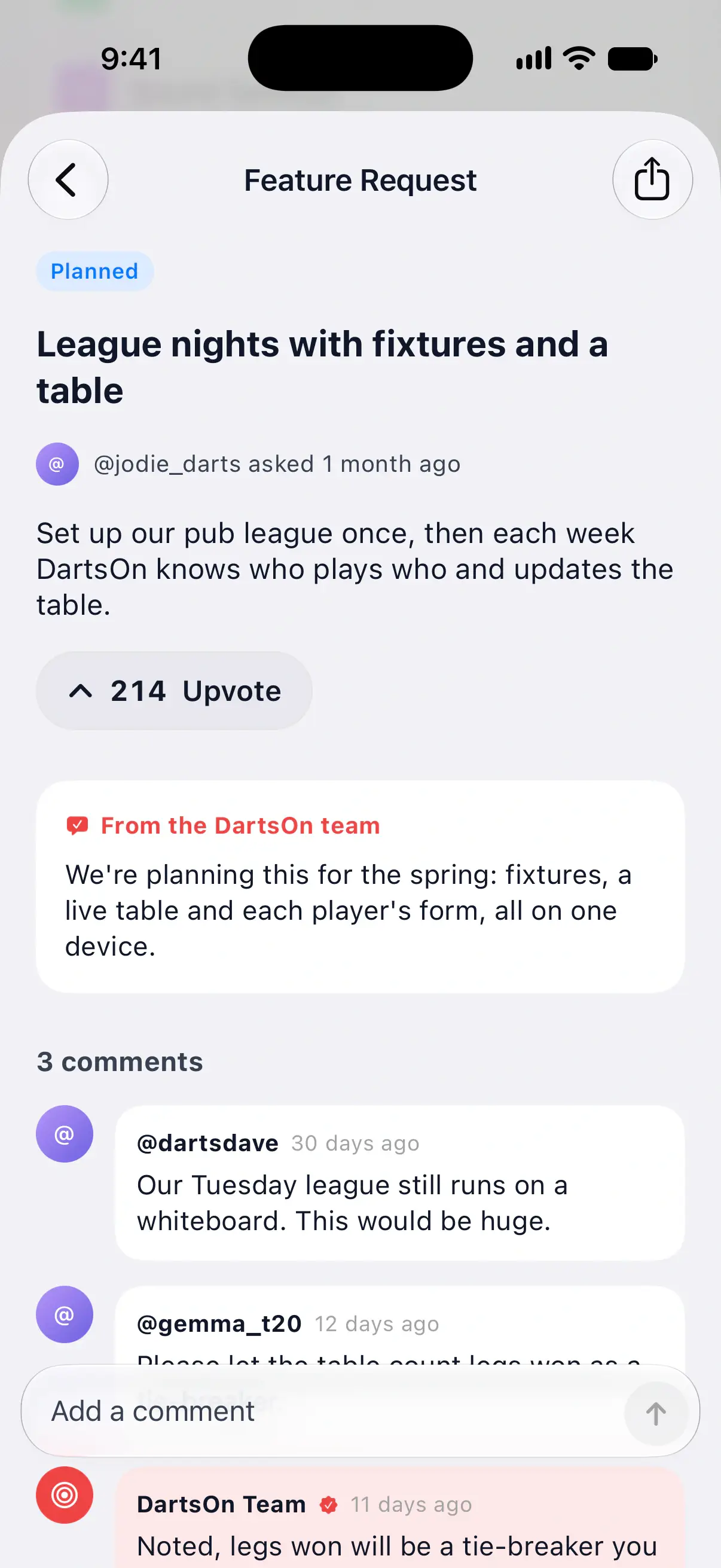
The bottom of Settings has every way to reach the DartsOn team and other players: the feedback form, the release notes, the Feature Requests board and the DartsOn communities on Discord and Reddit.
Send feedback
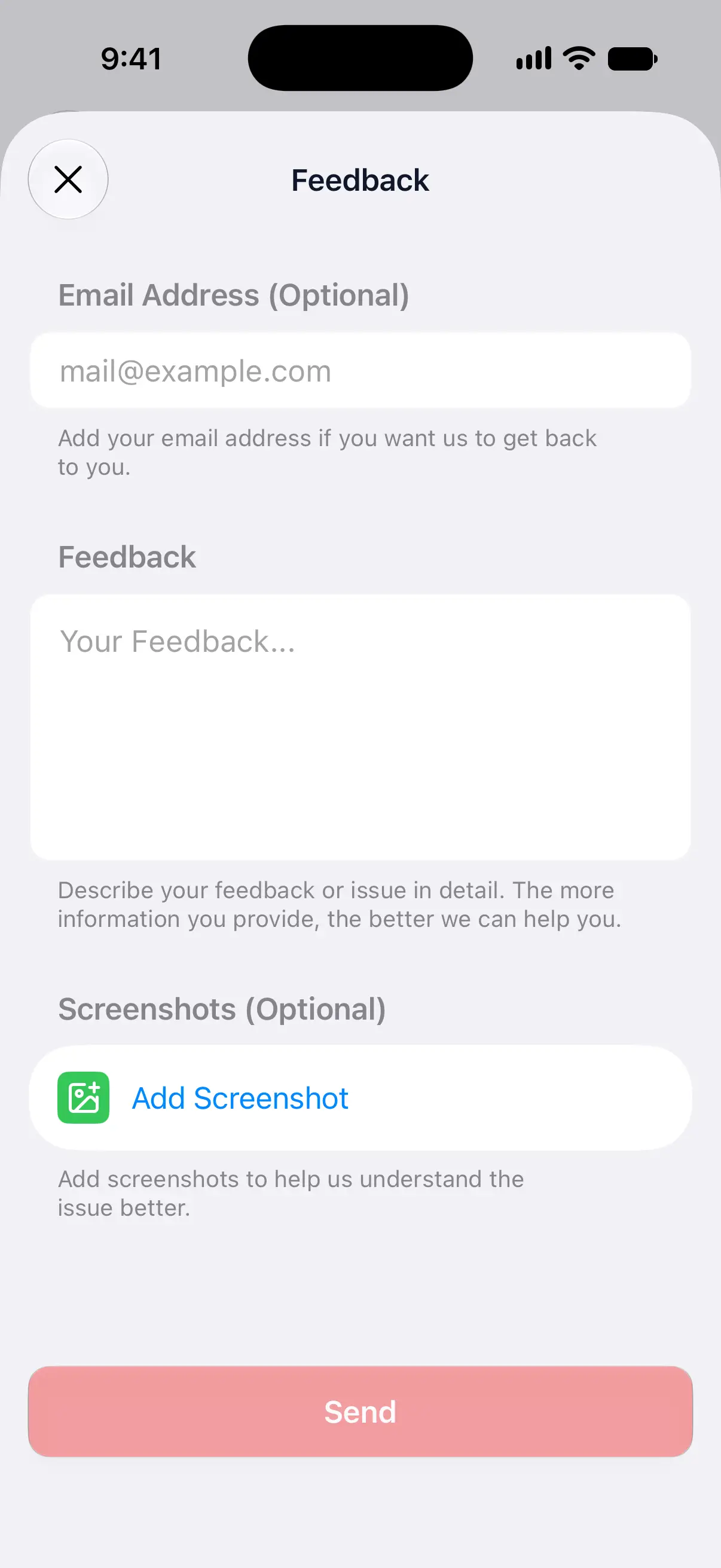
- Open Settings and tap Feedback.
- Under Email Address (Optional), add your email if you’d like a reply. Signed in, DartsOn fills in your account’s email.
- Describe your feedback or the problem under Feedback.
- To show what you mean, tap Add Screenshot under Screenshots (Optional). You can add up to 3.
- Tap Send.
Send turns on once you’ve typed more than 5 characters. If sending fails, DartsOn says Couldn’t send feedback. Check your connection and try again.

When you report a bug, say which game mode you were playing, what you tapped, what you expected and what happened instead. Add a screenshot of the screen where it went wrong.
If you signed in with Apple and chose to hide your email, DartsOn leaves the field empty. Type an address there if you’d like an answer.
Send feedback from the Home Screen
On iPhone and iPad, touch and hold the DartsOn icon on your Home Screen and tap Share Feedback. The feedback form opens straight away.
Read What’s New
After some updates, the release notes open by themselves the next time you’re on the Home tab. Tap Continue to close them.
To read them at any time, open Settings → What’s New. It shows the notes of recent versions, and the row is there whenever release notes are available. Every release is also on the DartsOn changelog.
Ask for a feature
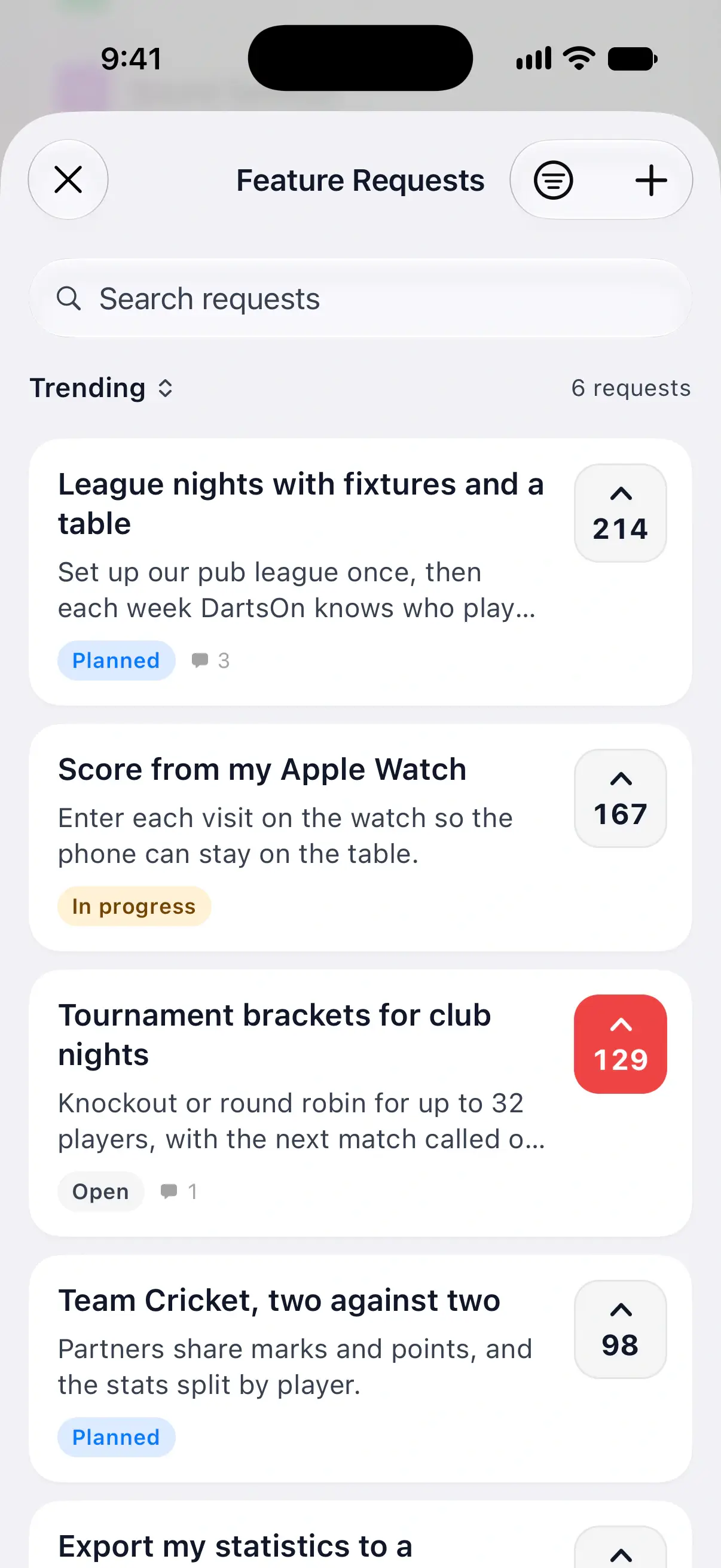
Feature Requests is a public board where players ask for features and vote on them. Open Settings → Feature Requests to see it.
- Search the board, or sort it by Top, Trending or New.
- Tap Upvote on a request you’d like too.
- Open a request to read the comments, the team’s reply and its status, such as Planned or In progress.
- To ask for something new, tap + at the top right to open Request a Feature. Give it a short title, say how you’d use it, then tap Submit, or the send button, at the top right.
While you type a title, DartsOn shows Similar requests. If one matches, upvote it instead of adding a second. New requests and comments appear on the board once the team has reviewed them.
The same board is on the website at Feature Requests.
Get notified when a feature is ready
Turn on Notify Me of Updates on the board. DartsOn sends notifications when a feature you requested or upvoted is planned or ready to use. Allow notifications when your phone asks. You can turn the switch off again on the board.
Join the Discord and Reddit communities
Talk darts and DartsOn with other players:
- Discord Community opens the DartsOn Discord server.
- Reddit Community opens the DartsOn subreddit.
Both open in your browser, or in the Discord or Reddit app if you have it.
Share DartsOn
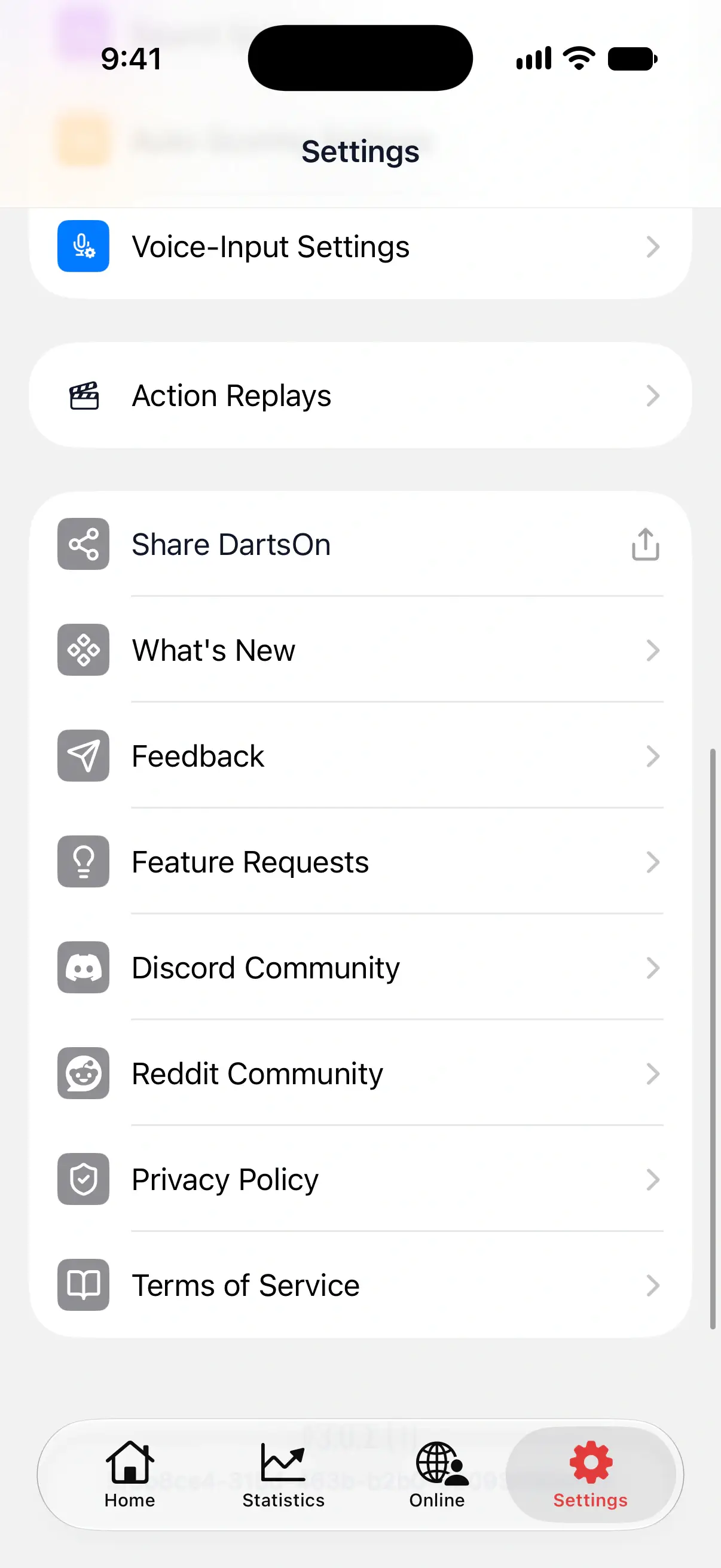
Tap Share DartsOn to send a friend a link to download the app. The share sheet opens, so you can send it by message, email or any other app.
Questions and answers
How do I contact DartsOn support?
Open Settings → Feedback, describe the problem and tap Send. Add your email address if you'd like a reply. Signed in, DartsOn fills in your account's email, unless you signed in with Apple and hid your address.
How do I suggest a new feature for DartsOn?
Open Settings → Feature Requests and check whether someone has asked already. If so, upvote their request so it counts. If not, tap + at the top right, give your idea a title and tap Submit or the send button.
Where can I see what changed in the latest DartsOn update?
Open Settings → What's New for the release notes of recent versions, or see the changelog on the DartsOn website. DartsOn also shows them by itself after some updates.
Does DartsOn have a Discord server?
Yes. Open Settings and tap Discord Community to join the DartsOn Discord server. There's a DartsOn subreddit too, under Reddit Community.
Related
- Every DartsOn setting explained A guide to each row in the DartsOn Settings tab, in the app's order, with what it changes and where to read more.
- Get started with DartsOn Set up DartsOn, start your first darts game, pick how to enter your darts and find your way around the Home, Statistics, Online and Settings tabs.