
Read darts rules in the DartsOn Rule Book
Open the DartsOn Rule Book from the Home tab, game setup or a game's menu to read the rules of every game, and share a rule with a link.
The Rule Book explains how to play every game in DartsOn, from the basics and scoring to how to win and the rule options you can set in the app. Open it before your first game of something new, or in the middle of a game when a question comes up.
Open the Rule Book
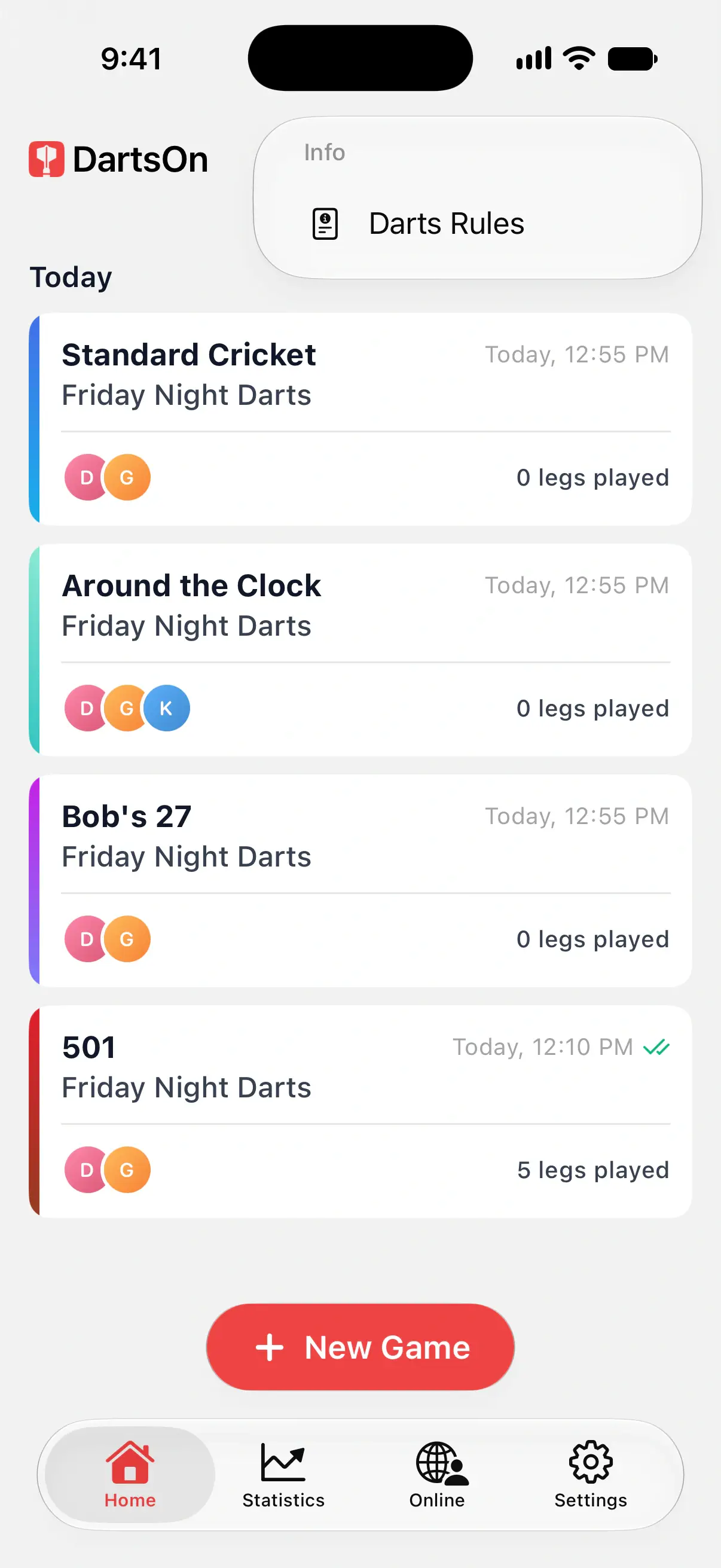
From the Home tab:
- Tap ••• at the top right.
- Tap Darts Rules.
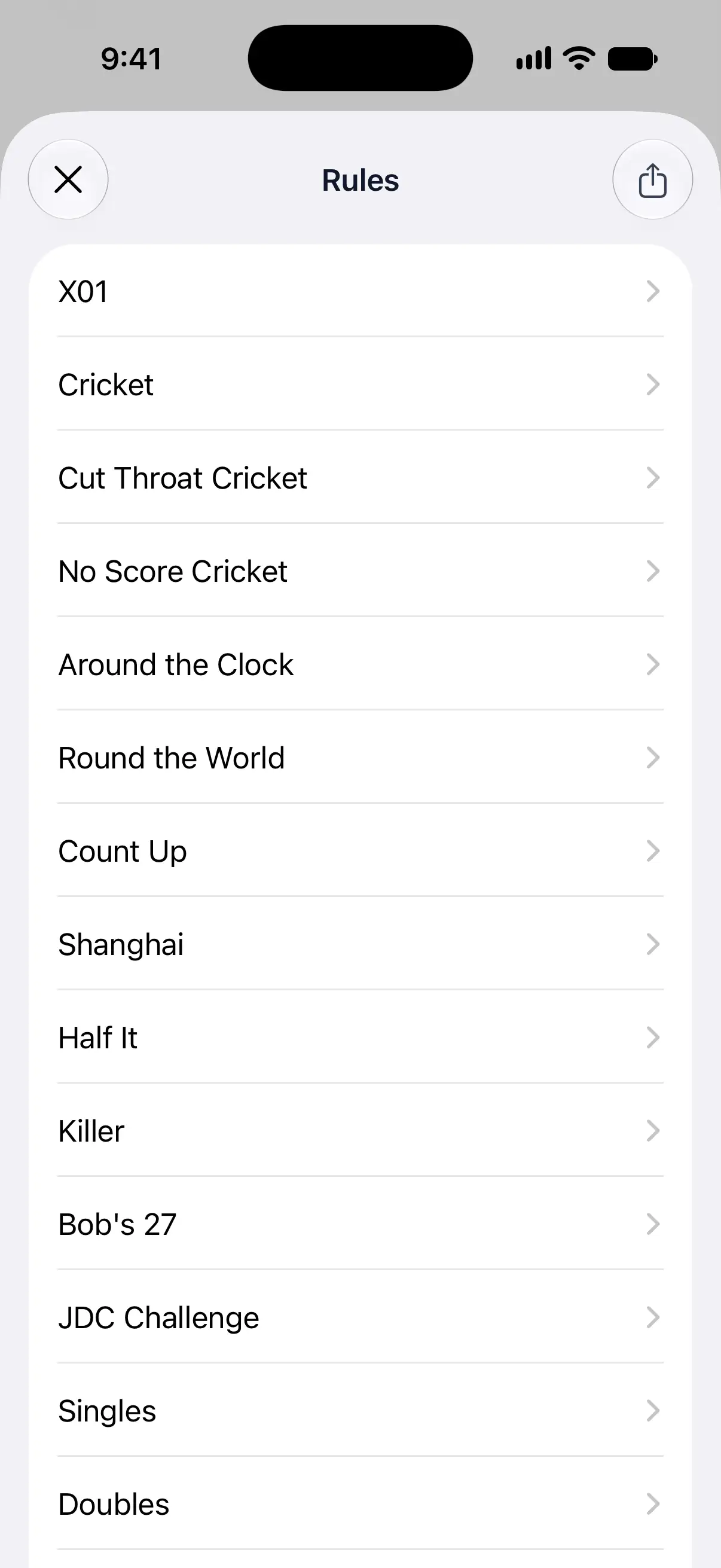
- Rules lists every game. Tap one to read its rules.

From the game setup
When you set up a game, the book button at the top right opens the rules:
- On New Game, it opens the whole Rule Book.
- After you’ve picked a game, it opens the rules of that game.
See create a game.
During a game
In X01, Cricket, Around the Clock and Round the World, open the ••• menu at the top right and tap the rules for the game, such as X01 Rules or Cricket Rules. In the other games, open the Rule Book from the Home tab.
Game Info in the same menu lists the settings of the game you’re playing, such as the starting score and match length. See manage your games.
What a rules page covers
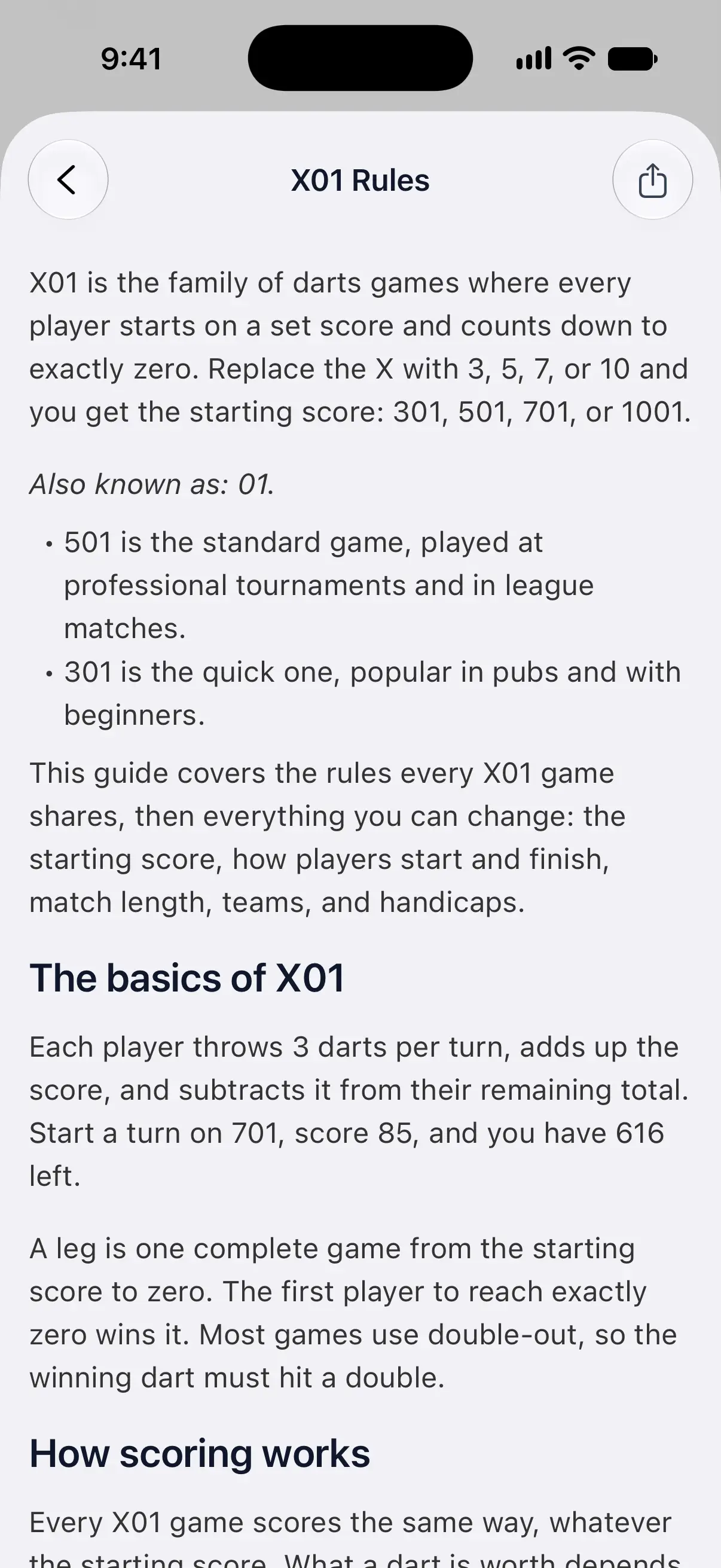
Each page explains what the game is, then walks through it: how a turn works, how scoring works and how to win. The Custom rule options section lists the settings DartsOn offers for that game, with their defaults, so you can see what each choice on the setup screen changes.
The Rule Book has the same rules as the pages on dartson.app, such as X01 rules and Cricket rules.
Share a rule
- Open a rule in the Rule Book.
- Tap the share button at the top right.
- Choose where to send it.
DartsOn shares a link to that rule on dartson.app, which opens in any browser, with or without DartsOn. The share button on the Rules list shares a link to all the rules.
Language and internet connection
The Rule Book loads from the DartsOn website, so it needs an internet connection. A rule you opened earlier while the app was running stays readable. Any other rule shows Unable to load rules while you’re offline. Tap Retry once you’re connected.
Rules appear in the app’s language. When a rule isn’t available in that language, DartsOn shows the English version. To change the app’s language, see language.
Questions and answers
Can I read the DartsOn rules offline?
No. The Rule Book loads from the DartsOn website, so you need an internet connection to open it. Without one, DartsOn shows Unable to load rules with a Retry button, unless you opened that rule earlier while the app was running.
Why are some rules in English?
The Rule Book uses the app's language. When a rule isn't available in that language, DartsOn shows it in English.
How do I send someone the rules of a game?
Open the rule in the Rule Book and tap the share button at the top right. It shares a link to that rule on dartson.app, which opens in any browser.
Related
- How to create a darts game in DartsOn Start a new darts game in DartsOn. Name it, pick one of 14 games, set the starting score, in and out rules and match length, then tap Create Game.
- Change the language in DartsOn DartsOn comes in 11 languages and follows your phone's language. Set a different language for DartsOn alone on iPhone or Android.