
Earn, track and share DartsOn badges
How you earn DartsOn badges, what each category rewards, where to see locked badges and your progress, and how to share a badge as an image.
DartsOn awards badges for milestones as you play, such as your first 180, a 170 checkout or your 100th Cricket game. You don’t have to turn anything on. Play, and each badge unlocks when you reach it.
How you earn badges
Badges go to the player marked as you. After each game, and when you open the app, DartsOn checks your games and unlocks any badge you’ve reached. When a game earns you one, Badges earned on its summary shows it.
If DartsOn doesn’t know which player is you, you won’t earn badges. The Statistics tab shows a Set your profile banner. Tap it, then pick yourself under Which player are you? You can also mark yourself in Settings → Players. See manage players.
Badges count games where you played under your own player. Games you scored for other players don’t earn you badges.
Badge categories
| Category | What earns a badge |
|---|---|
| X01 | Games played, from X01 Welcome for your first to X01 Legend for 10,000. Your 180s, from One-Eighty to 180 Diamond for 500, and Triple 180 for 3 in one game. Wins at 101, 301, 501, 701 and 1001 or more. Fast legs, such as 12-Dart Leg and Perfect 501, a 501 leg in 9 darts. Checkouts, such as Ton Out on exactly 100, Big Fish on 161 or higher and Max Checkout on 170 |
| Cricket | Games played, from Cricket Welcome to Cricket Diamond for 500, and Cricket Win for your first win |
| Around the Clock | Games played, from ATC Welcome to ATC Diamond for 500 |
| Killer | Games played, from Killer Welcome to Killer Diamond for 500, and Flawless Killer for a win without losing a life |
| General | Lifetime points, from Point Scorer Bronze at 10,000 to Point Scorer Diamond at 10,000,000 |
| Fun | The Answer for a 42 in one turn, and Six Seven for a 67 |
| JDC Challenge | Pearl for completing a JDC Challenge, then a badge for each score tier, from Amethyst at 150 to Topaz at 1,250 |
The JDC Challenge badges follow the challenge’s own tiers. See the JDC Challenge rules.
See all your badges
You can open the full list in 2 places:
- On the Statistics tab, your newest badges, up to 3, appear at the bottom when the tab shows your own stats. Tap View All.
- On your profile, tap Badges under Overview. Your profile is in Settings when you’re signed in to a DartsOn account. See your profile.
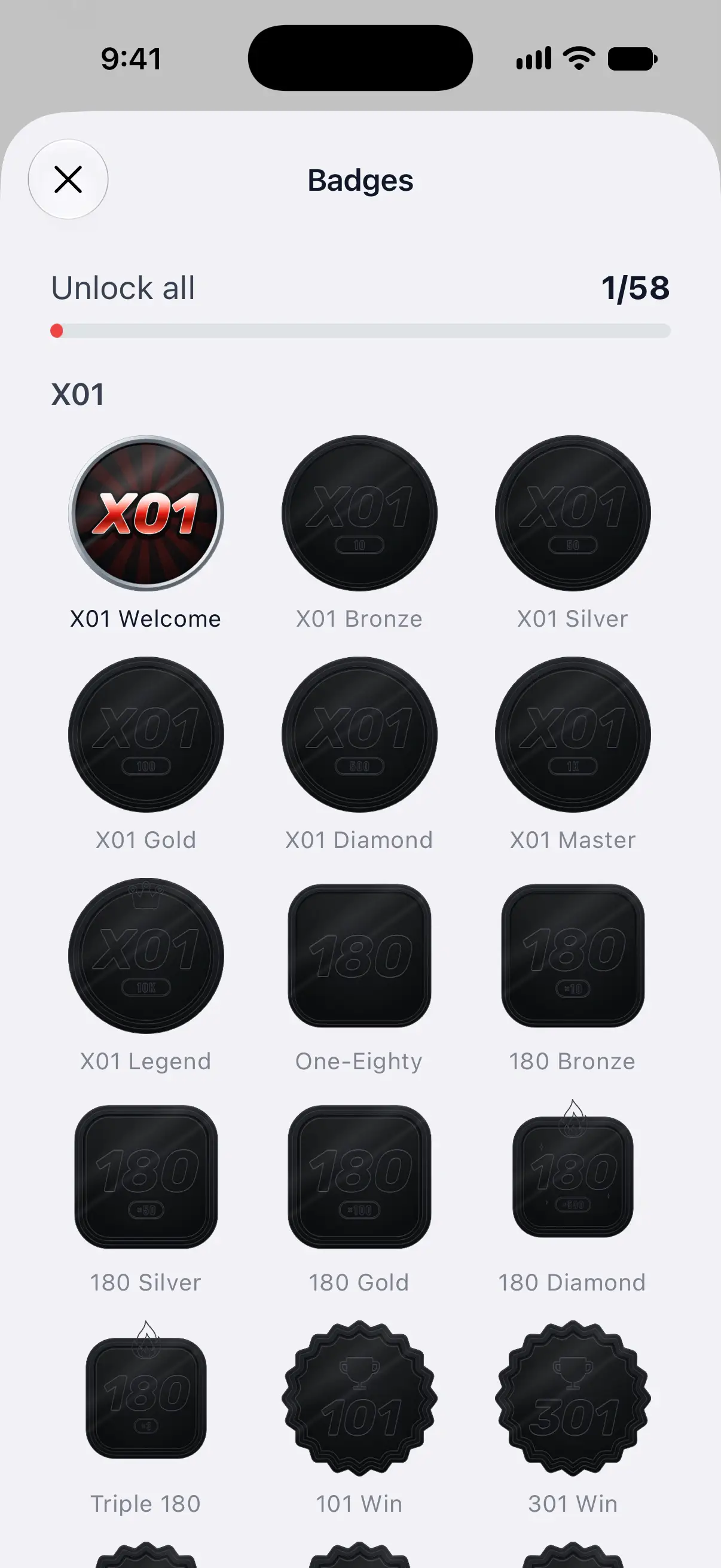
Unlock all at the top counts the badges you’ve earned out of the total, with a progress bar. Below it, badges are grouped by category. Earned badges are in color, and locked badges are dark.

Open a badge
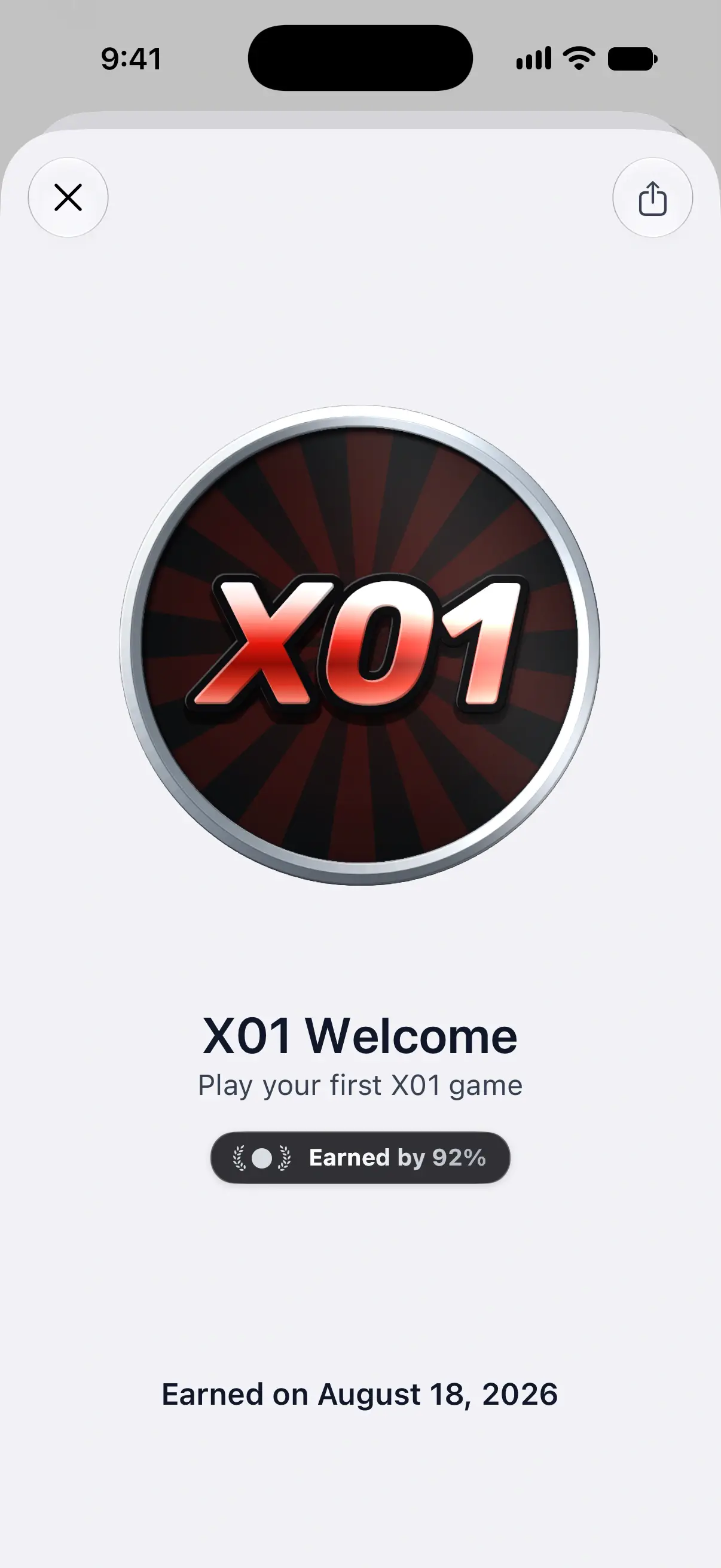
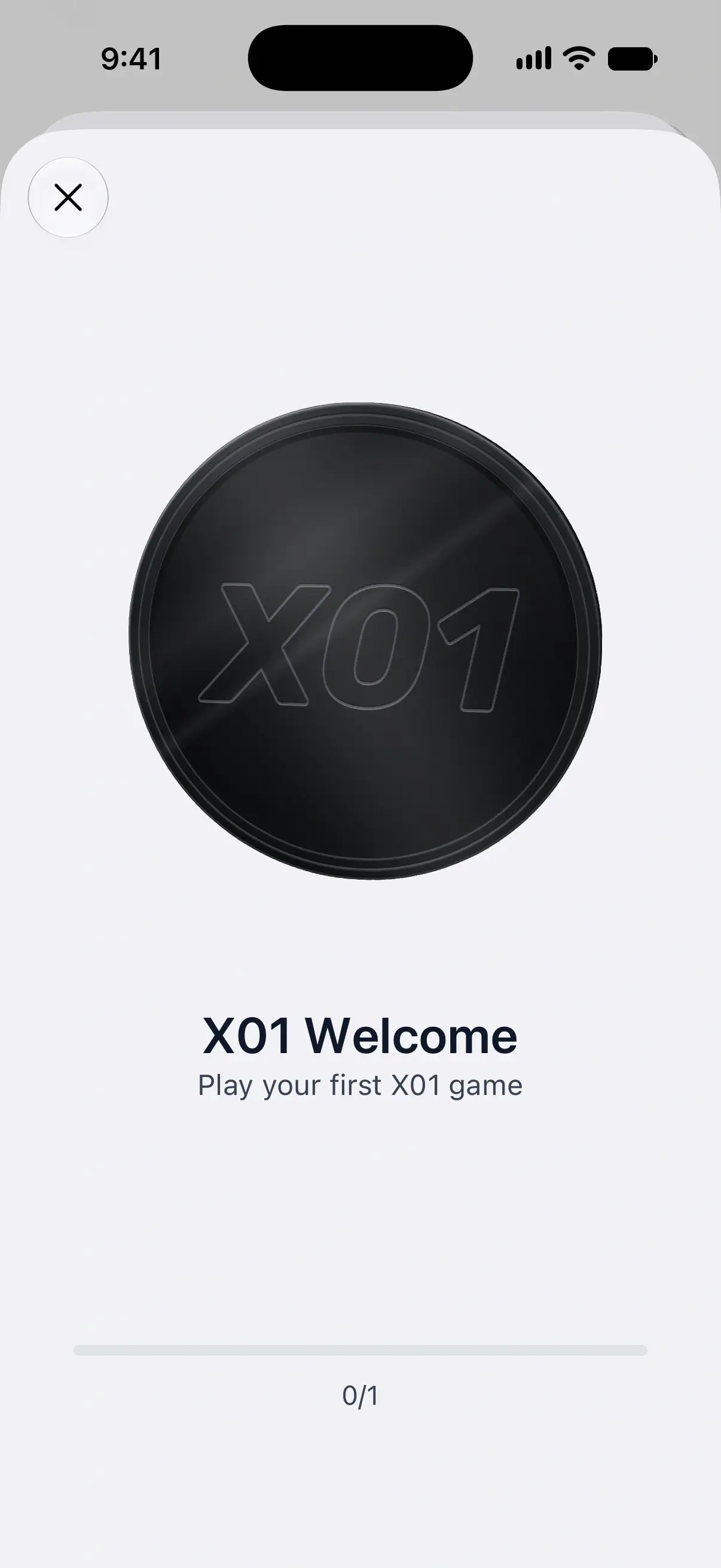
Tap any badge to open it. You’ll see its name and what earns it, such as Play your first X01 game.
An earned badge becomes a 3D medal. Tilt your phone, swipe the medal to spin it, or tap it to move it. Hold a spinning medal to stop it. Its detail also shows the date you earned it, such as Earned on August 18, 2026.
A locked badge shows a progress bar with your count, such as 0/1 for your first game or 38/50 toward 180 Silver. Use it to see how close you are.
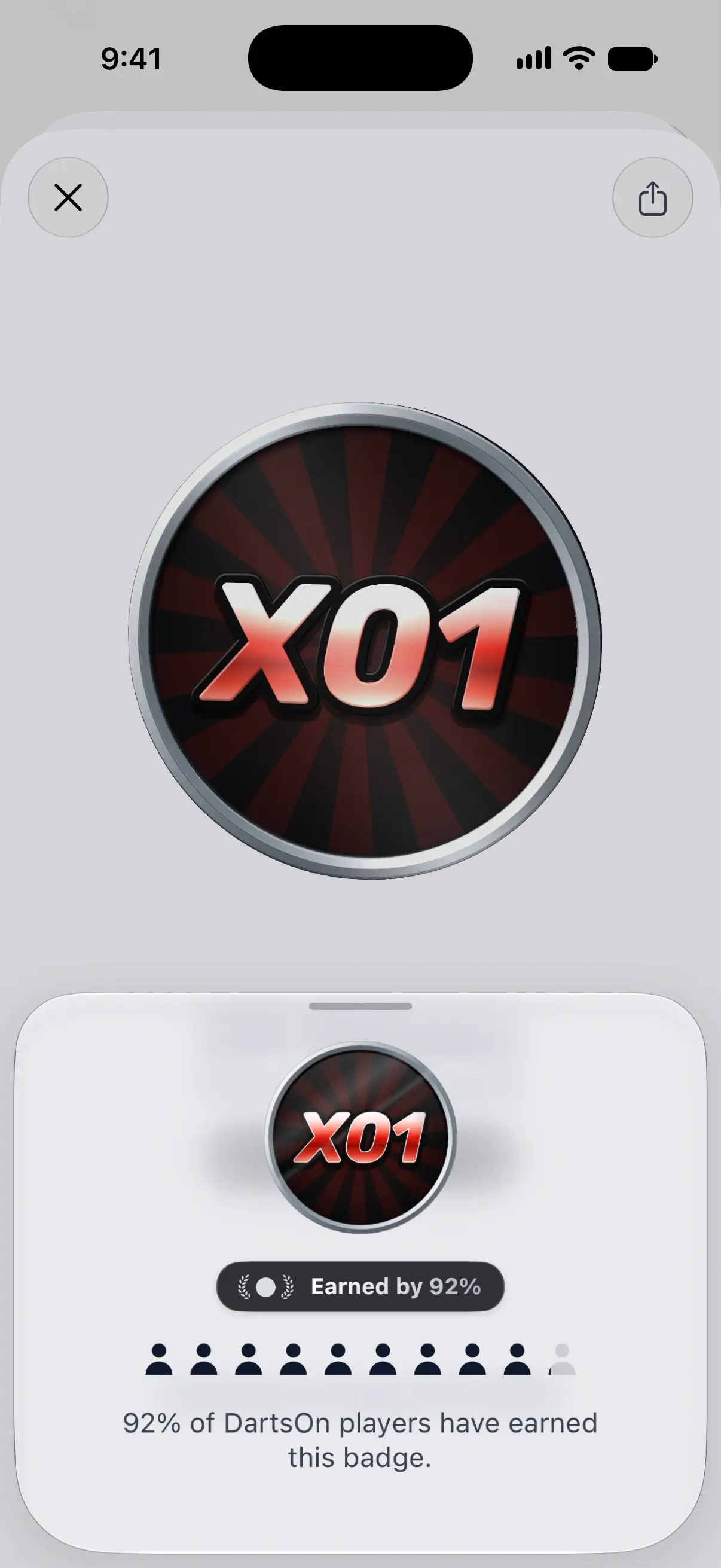
When DartsOn is online, a pill shows how many players have earned the badge, such as Earned by 12%. Tap it for more about that number.
Share a badge
- Open a badge you’ve earned.
- Tap the share button at the top right and choose where to send it.
DartsOn shares an image of the badge with its name, what it’s for and the date you earned it, along with a short message such as I earned the “X01 Welcome” badge on DartsOn! Locked badges have no share button.
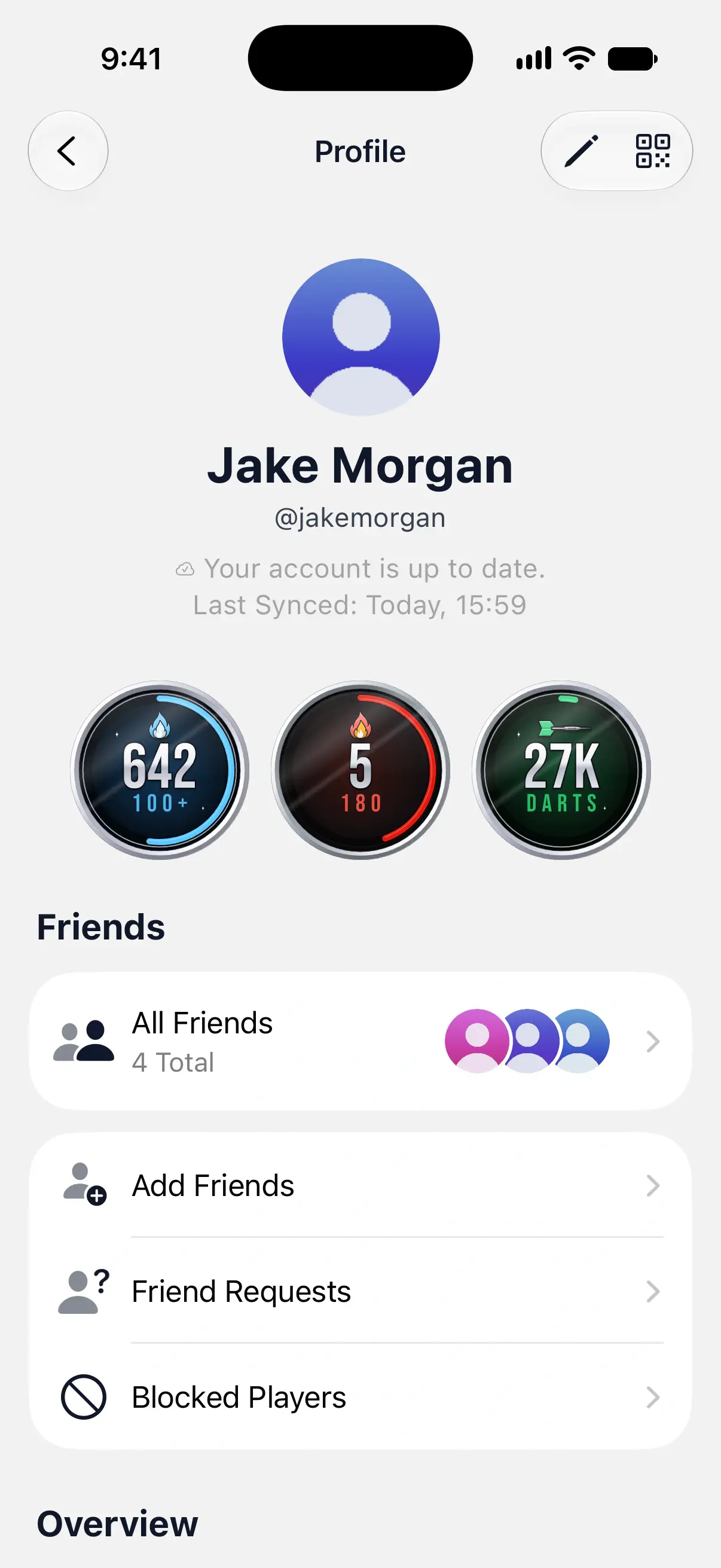
Lifetime medallions on your profile
Your profile shows 3 medallions that keep counting for as long as you play:
| Medallion | What it counts |
|---|---|
| Lifetime 100+ | Every X01 turn of 100 or more |
| Lifetime 180s | Every 180 you’ve thrown in X01 |
| Lifetime Darts | Every dart you’ve thrown |
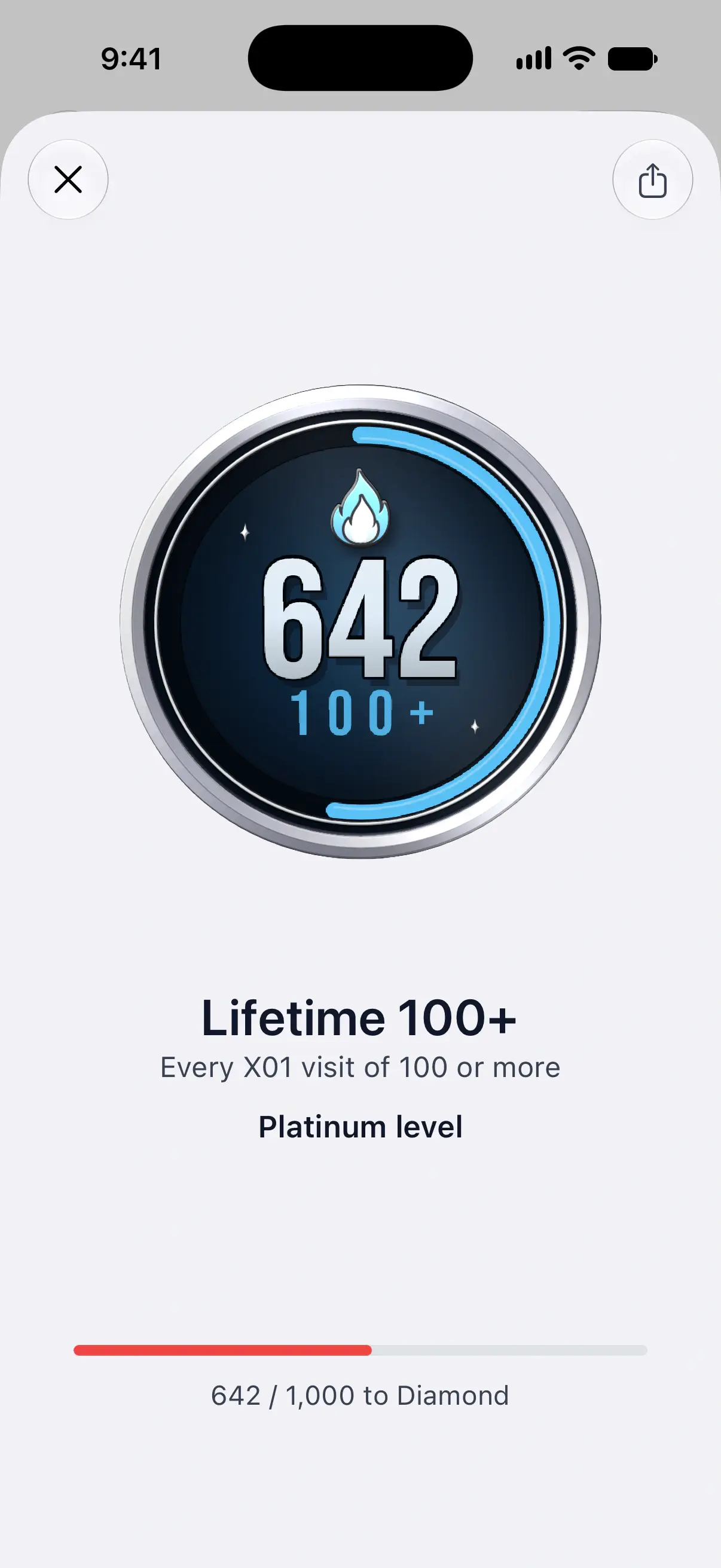
Local and online games both count toward these totals. Each medallion climbs through 6 levels: Bronze, Silver, Gold, Platinum, Diamond and Legend. Tap one to see your level and how far you are from the next, such as 38 / 50 to Gold on Lifetime 100+. You can tilt, spin and share a medallion the same way as a badge.
| Medallion | Silver | Gold | Platinum | Diamond | Legend |
|---|---|---|---|---|---|
| Lifetime 100+ | 10 | 50 | 250 | 1,000 | 2,500 |
| Lifetime 180s | 1 | 10 | 50 | 100 | 500 |
| Lifetime Darts | 1,000 | 5,000 | 25,000 | 100,000 | 250,000 |
Every player starts at Bronze.
Questions and answers
Why am I not earning any badges in DartsOn?
DartsOn awards badges to the player marked as you. On the Statistics tab, tap Set your profile and pick yourself, or mark yourself in Settings, Players. Badges you've already qualified for unlock after your next game, or the next time you open DartsOn.
Do my badges sync to my other devices?
Yes, when you're signed in. Your badges sync with your account across iPhone, iPad and Android, along with your games and players.
How do I see which badges I haven't earned yet?
Open the full badge list from View All on the Statistics tab, or from Badges on your profile. Locked badges are dark. Tap one to see what it takes and how close you are.
Related
- Track your darts statistics in DartsOn Pick a player, game mode and time period on the Statistics tab, filter by rules, and see your averages, checkouts, high scores and records.
- Manage your saved players in DartsOn Add, rename and delete the players DartsOn suggests for your darts games, and mark which player is you so your stats and badges are tracked.
- How to edit your DartsOn profile Change your name, photo, username and date of birth in DartsOn, find your QR code, and read the sync status on your profile.